
pgCowboy
pgCowboy is a desktop app for maintaining PostgreSQL roles across many clusters. Keep your clusters grouped — for example into Production and UAT — then pick the group(s) and add or adjust a role against them.
Thanks to templating of SQL queries, you can extend the basic operations, and give access to users who could not otherwise execute them.
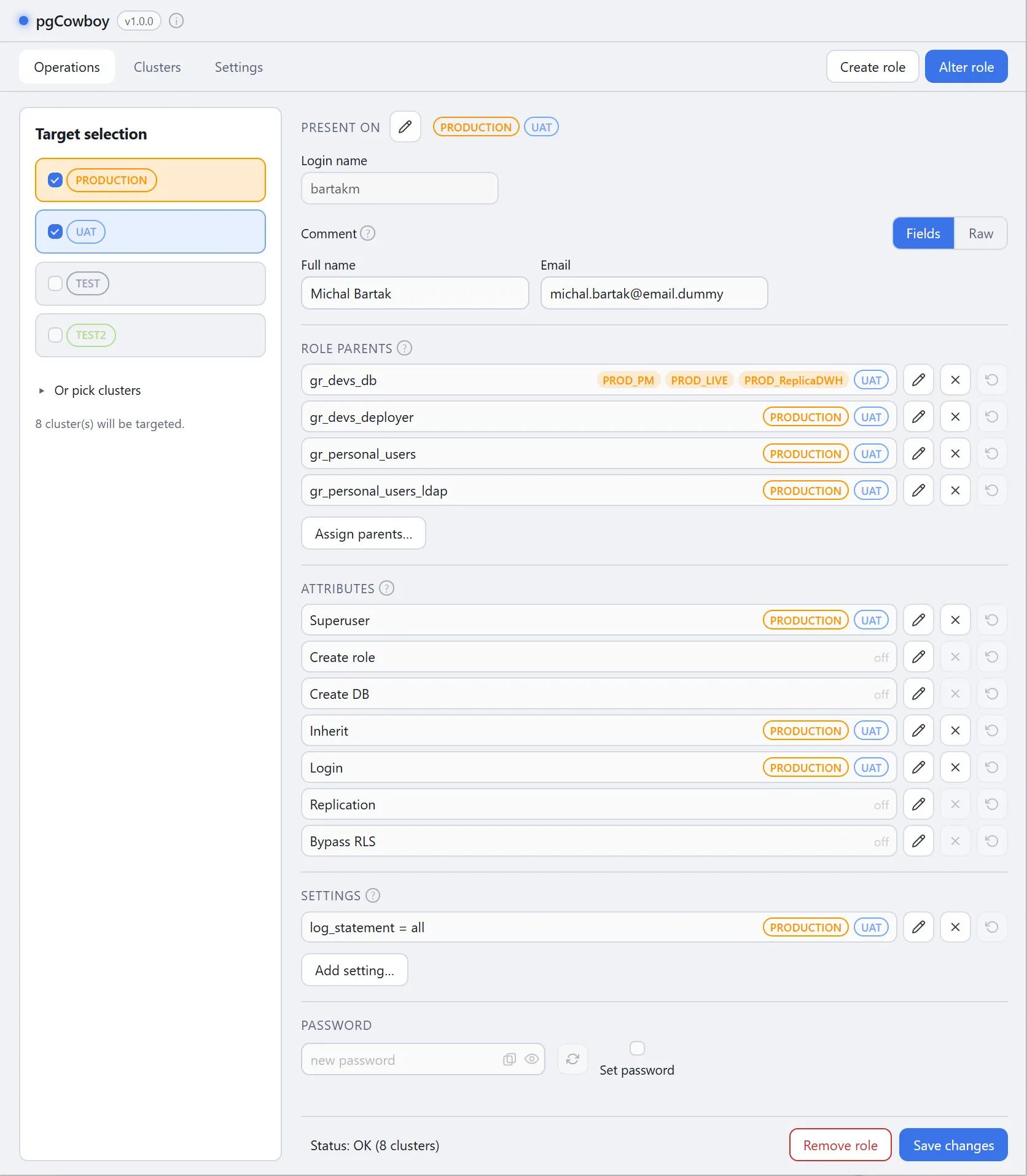
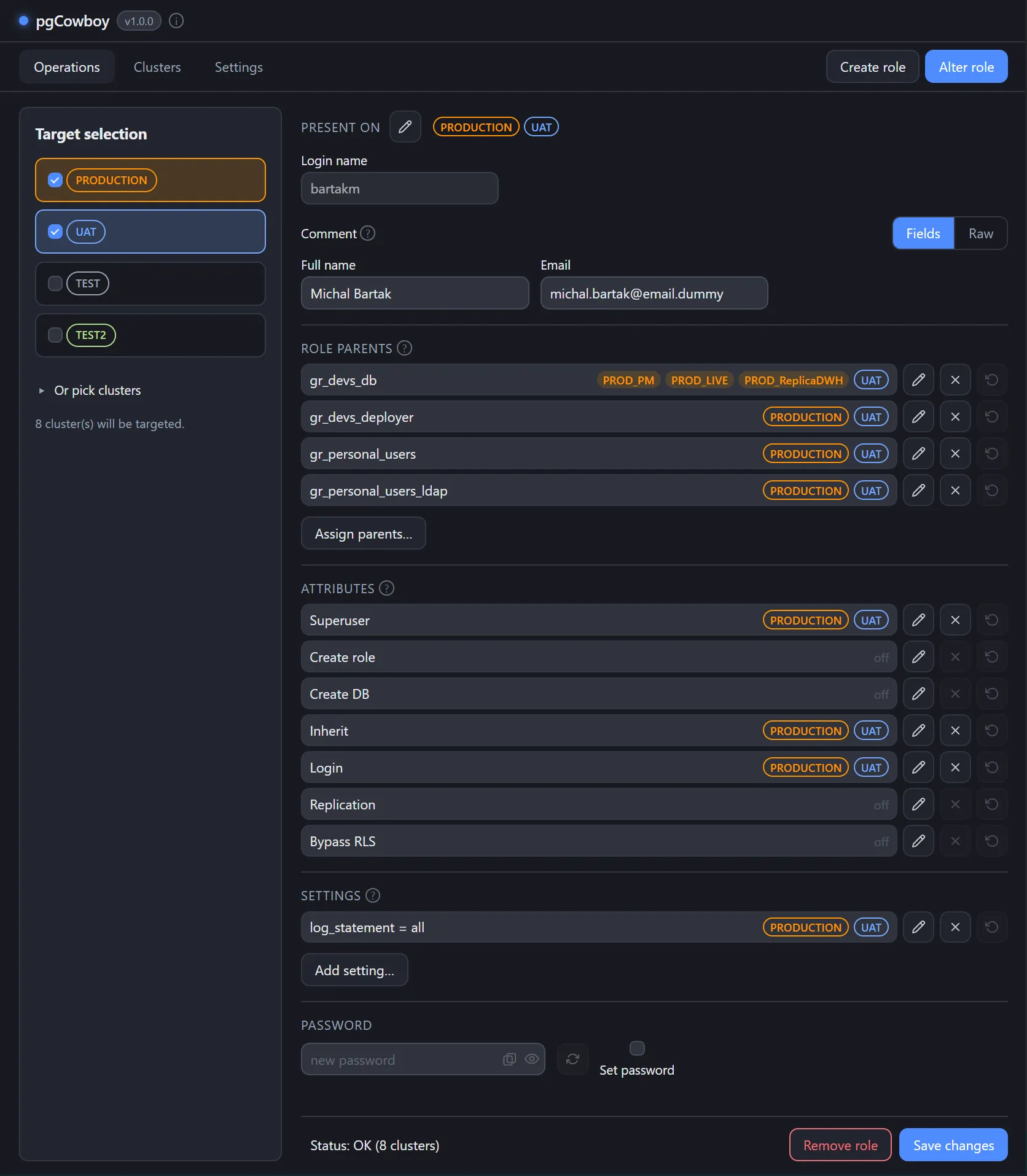
Main Features
- Clusters grouping - aggregate clusters into color-coded groups. Mark the groups that require extra confirmation.
- Operations on groups - combine groups (and single clusters) as operation targets.
- PGUSER, PGPASSWORD and pgpass support.
- Differences visual feedback - differences in role settings between groups or clusters are easy to spot and even easier to reconcile.
- Custom information fields - a role comment can be treated as a JSON object that carries customizable information.
- Preflight checks - before role creation or removal, the app checks for possible dependencies and shows the report.
- Templatable SQL - every operation the app issues against a database is configurable, so you can extend both what it does and who can do it.
- Password generator - configurable password generator.
How a change is applied
- Choose the target groups and/or single clusters in Target selection.
- Select Create role to clear the form, or Alter role to find and load role data from all selected clusters.
- Edit in the form (parents, attributes, settings, comment, password).
- On Save, the app
- performs pre-flight checks
- builds an ordered list of operations per cluster and runs each cluster’s list as one transaction — commit on success, roll back on the first error.
- A report is available afterwards. It includes the status and the SQL commands issued against each cluster.
Where to go next
- Installation — download a build or install from source.
- Usage — target selection, scope labels, and how a change is applied.
- Configuration — clusters, comment fields, templates, preferences.
- Troubleshooting — connection and permission issues.