
Altering settings
Settings are role-level configuration parameters (GUCs) — statement_timeout, log_statement, search_path, and so on. They are read from the clusters and use the editor similar to role parents.
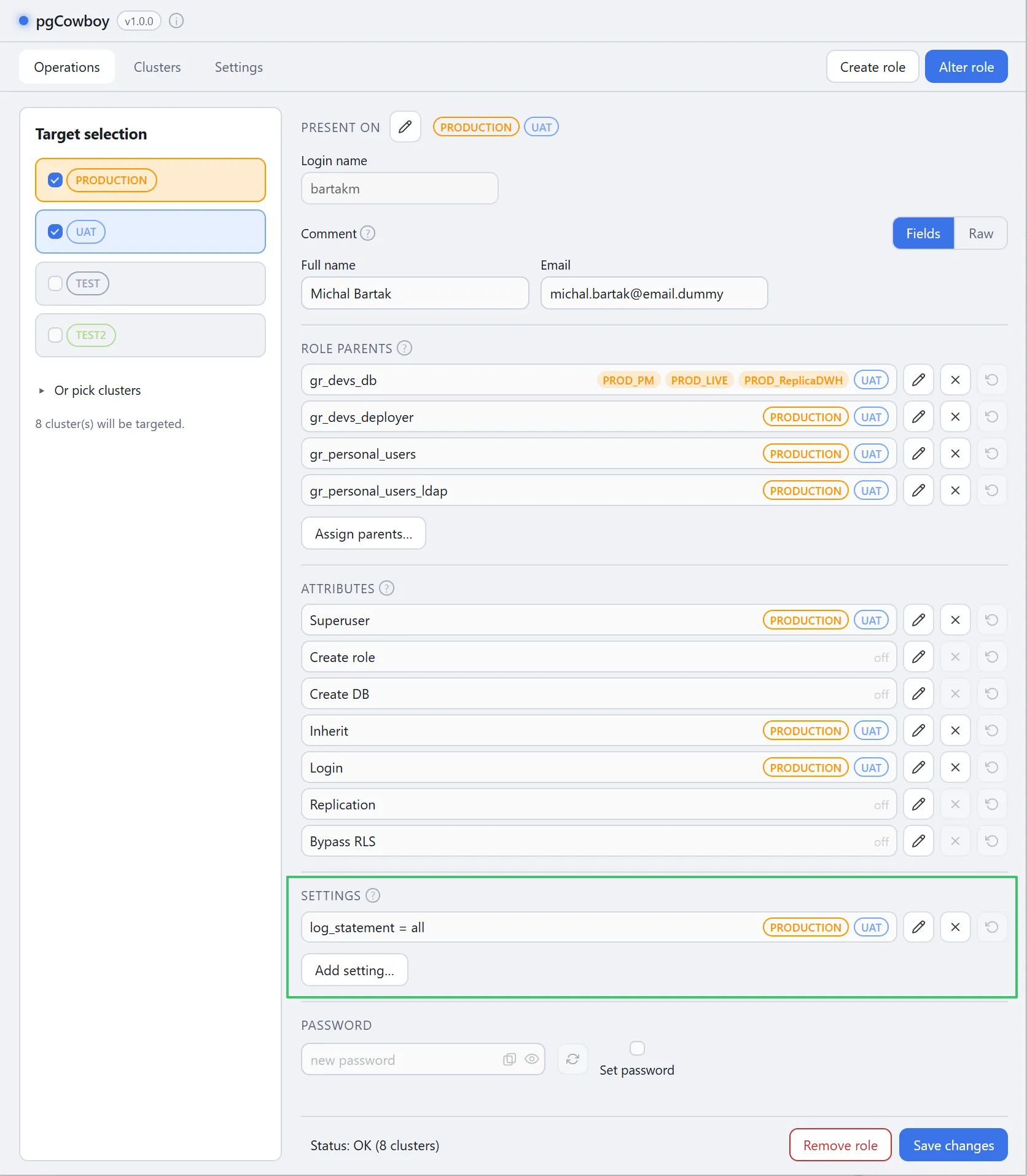
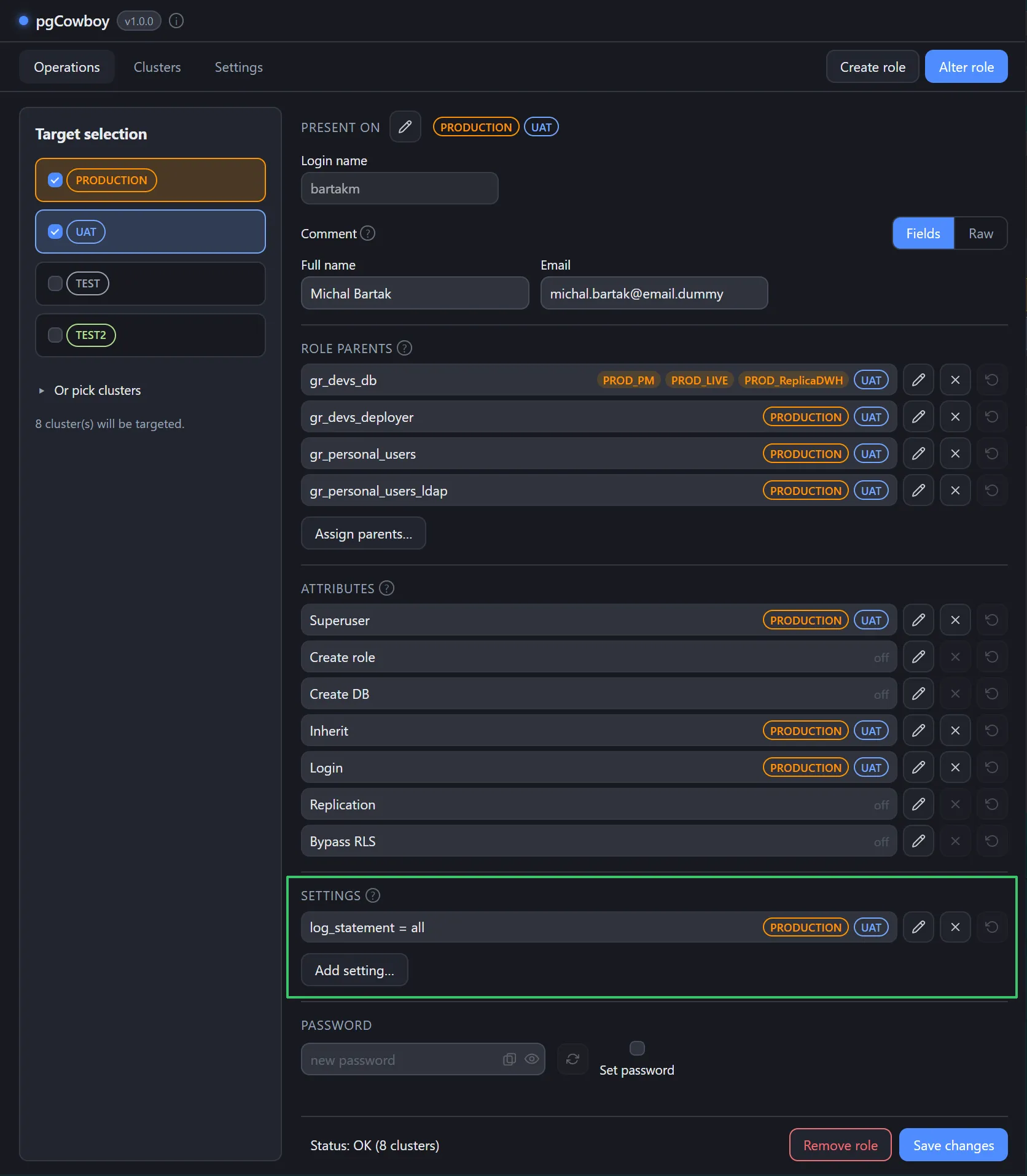
Name and value
A setting can hold a different value on different clusters, so rows are keyed by name=value. The same parameter with two values shows as two rows, each with its own scope.
| Button | Effect |
|---|---|
| Edit | Sets that name/value where you tick, clears it where you untick. |
| Remove | Resets the parameter on every cluster in scope. |
| Discard | Discards pending changes on that row. |
Adding a setting
Add setting… takes a parameter name and a value, plus the clusters to apply them to. When creating a new role, the popup opens with all clusters selected.
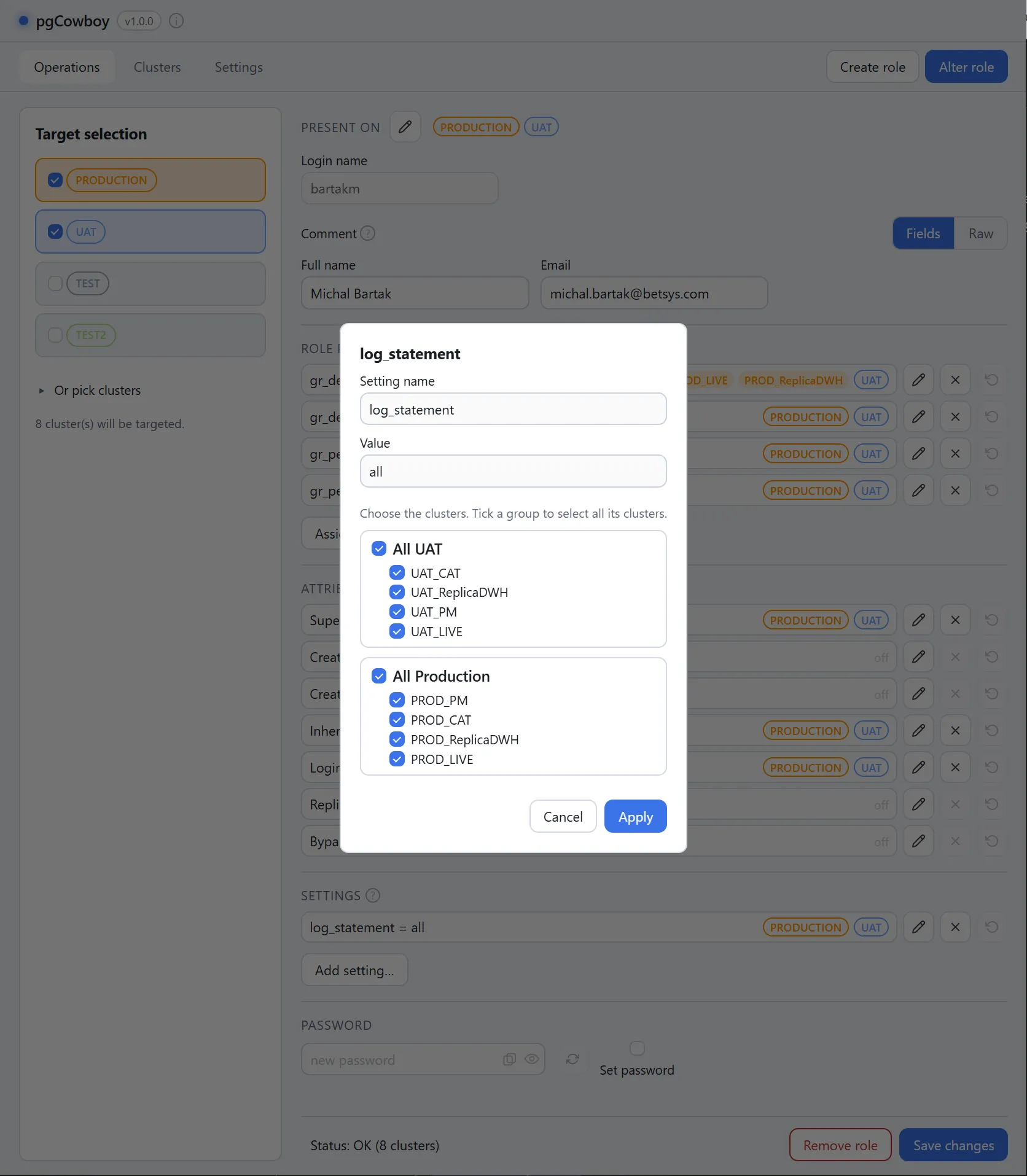
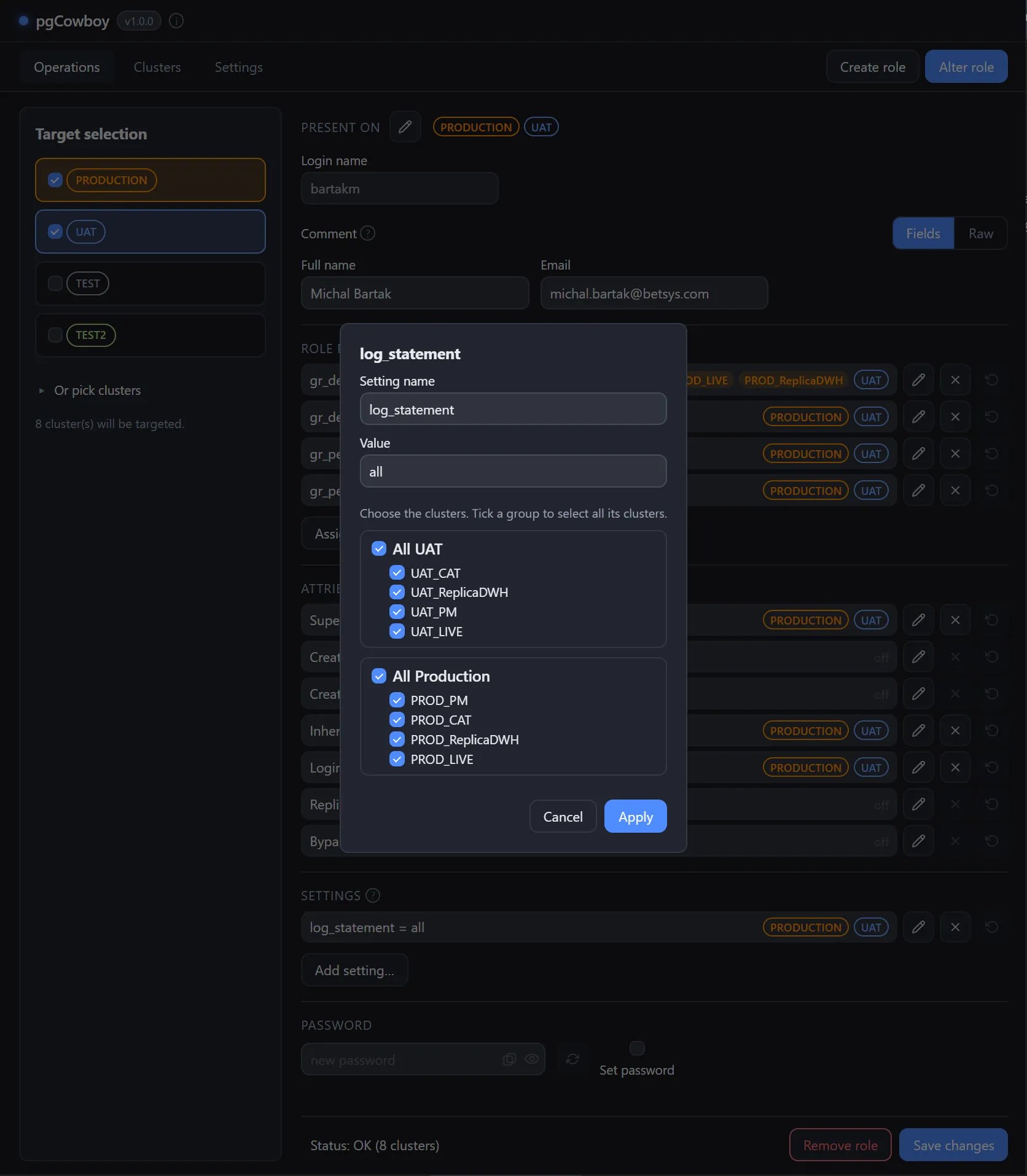
On save all perfoemed changes translates into Set config and Reset config operations.
(ALTER ROLE … SET name = value / ALTER ROLE … RESET name by default).