
Configuration
Configuration lives on two tabs:
- Clusters — the clusters you connect to and the groups they belong to.
- Settings — everything else: comment fields, call templates, role parents, the password generator, and general preferences.
Both tabs are staged. Adds, edits and deletes change an on-screen draft; nothing is written until you press Save. Discard reverts to the saved state.
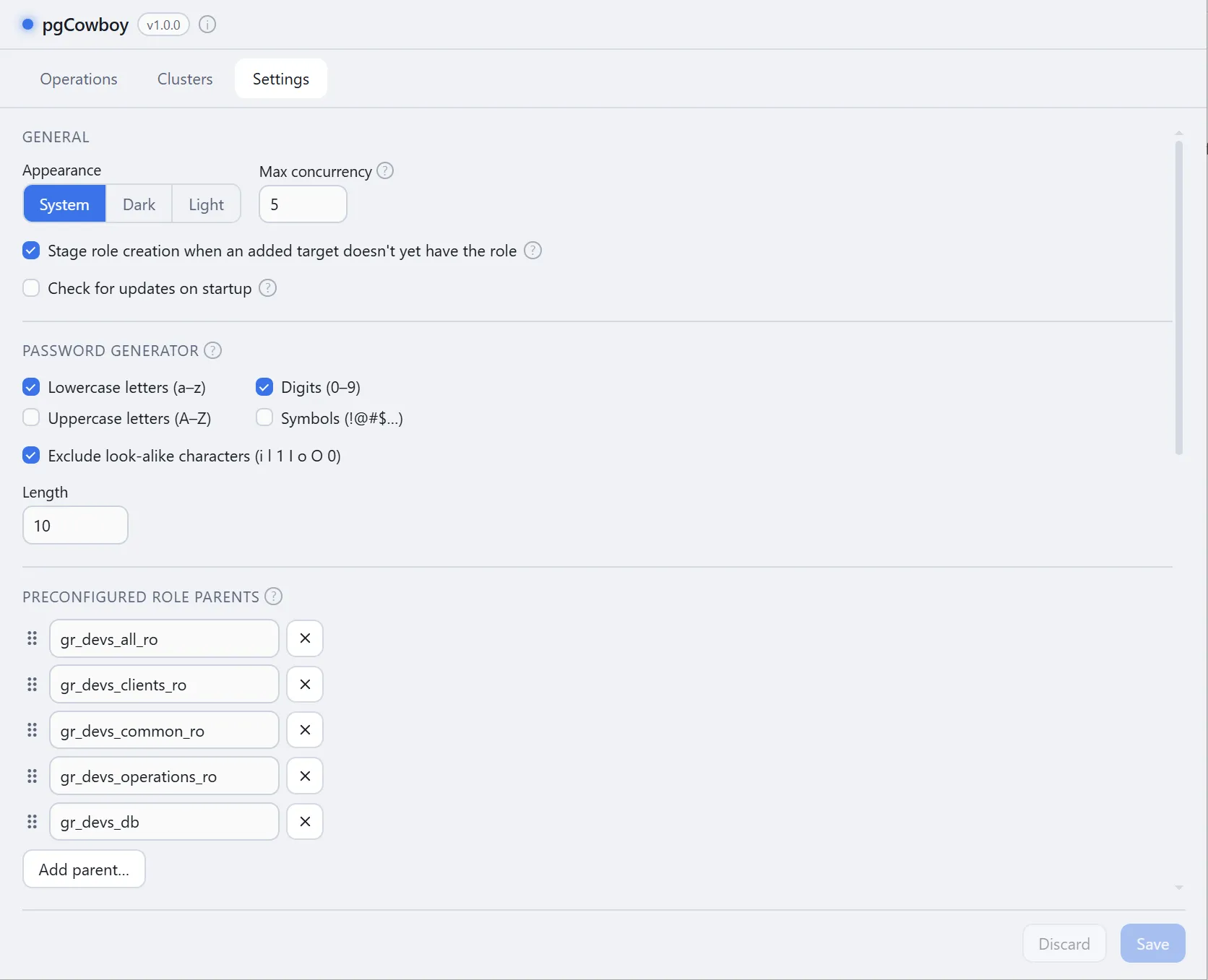
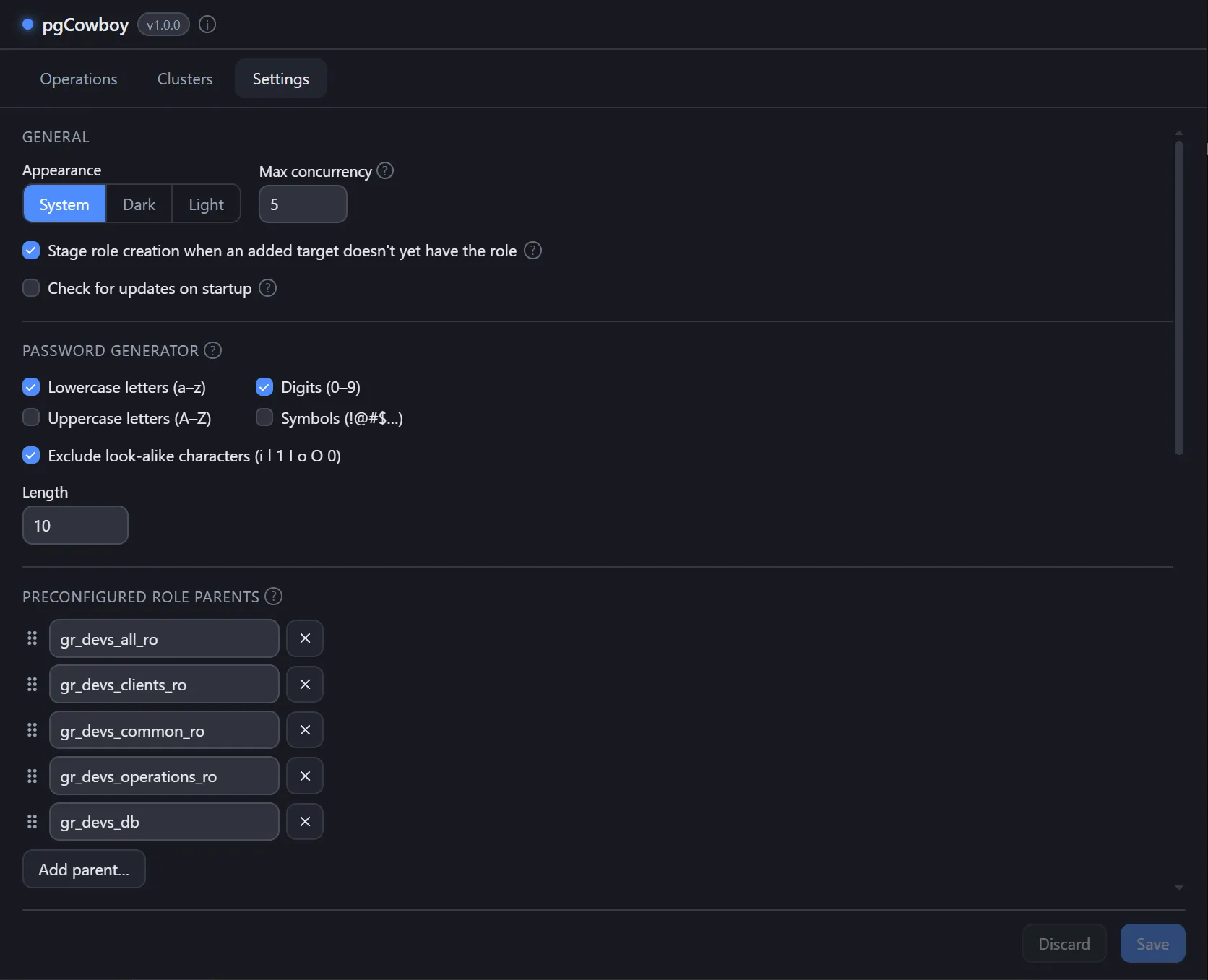
Sections
| Section | What it controls |
|---|---|
| Clusters | Connection details, credentials, groups |
| Comment fields | JSON keys shown as labelled inputs |
| Call templates | The SQL behind every read and write |
| Preconfigured role parents | Role names offered as quick picks |
| Password generator | Length and character classes |
| General | Appearance, concurrency, update check |
Configuration files
Two YAML files sit side by side, both written with owner-only permissions:
| OS | Directory |
|---|---|
| macOS | ~/Library/Application Support/pgCowboy/ |
| Linux | ~/.config/pgcowboy/ |
| Windows | %AppData%\pgCowboy\ |
config.yaml— call templates, introspection queries, role parents, comment fields, search columns and UI preferences. Not site-specific, so this is the one you can share with colleagues.clusters.yaml— your clusters, their groups, and the remembered target selection. This is the file that may hold per-cluster passwords in clear text.