
Role Details
Role Details decides what is shown beside login role — a full name, an email, whatever your comments happen to carry.
The result is currently seen in Role search dialog.
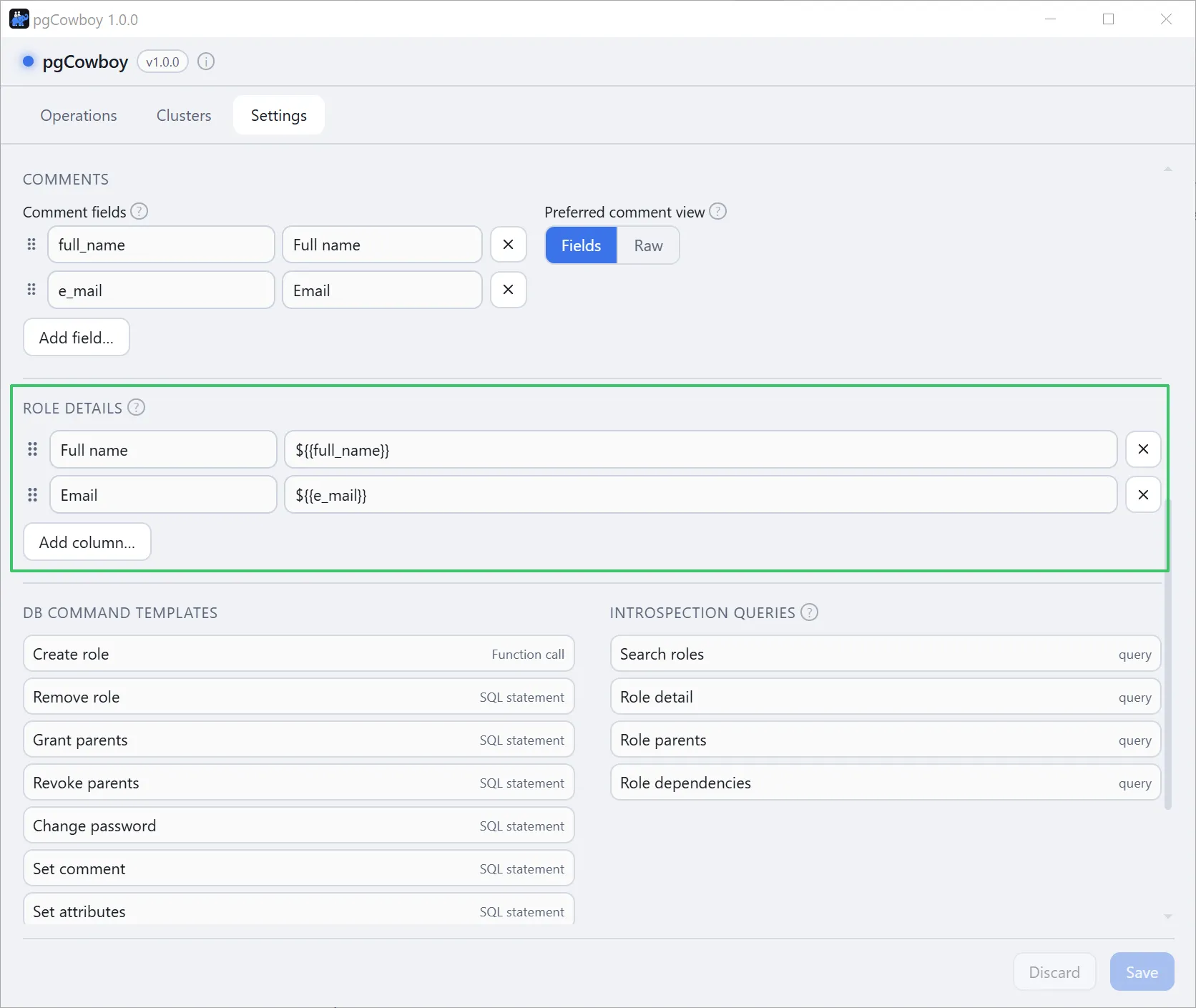
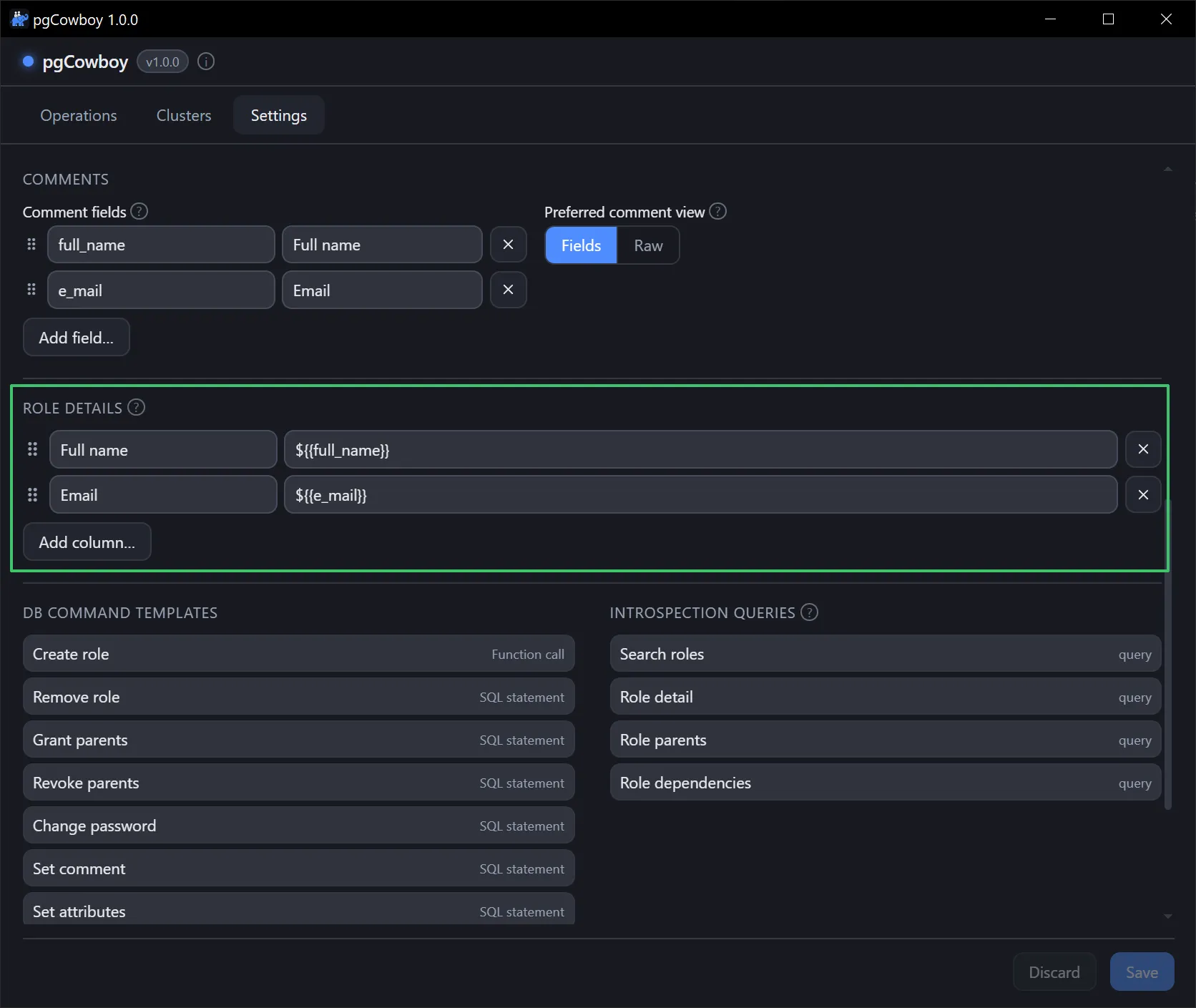
The column list
Each row is a label (the column header) and a template (what to show). Drag the handle to reorder; removes a row; Add column… appends one.
Out of the box there is a single Comment column over ${comment} — the whole comment, whatever it holds. Replace it once you know which keys your comments carry.
Templates
A template is display text and it supports exactly two placeholders:
| Placeholder | Resolves to |
|---|---|
${{<key>}} | that key’s value in the role’s JSON comment |
${comment} | the whole comment, verbatim |
${{<key>}} reaches any key in the comment, whether or not it is listed under Comment fields — that list only decides which keys get labelled inputs in the role form.
Combining keys
Because a template is just text, several keys can feed one column — and one comment can feed several columns:
| Label | Template | Shows |
|---|---|---|
| Full name | ${{first_name}} ${{last_name}} | Ada Lovelace |
${{e_mail}} | ada@example.com | |
| Raw comment | ${comment} | {"first_name":"Ada", …} |
Literal text between placeholders is kept as typed, so ${{last_name}}, ${{first_name}} shows Lovelace, Ada.
Keys named like a placeholder
The two forms are independent, so a comment that carries its own comment key is still reachable:
{ "full_name": "Ada Lovelace", "comment": "on call until March" }${comment}→ the whole JSON above${{comment}}→on call until March
What happens to missing or odd values
- An unknown key, a JSON
null, and a plain-text comment all resolve to empty string. - Surrounding whitespace is collapsed, so
${{first_name}} ${{nokey}}showsAda— notAda— for a role with nonokeykey. - Values that aren’t strings render typed:
42,true,["a","b"]. - When a role’s comment differs between clusters, each column shows the first value it finds, looking through the clusters the role was found on in cluster-group order, then alias.
- That search skips a cluster whose comment has nothing for the column, rather than showing the column empty. So the value you see can come from further down the list, and because each column searches on its own, two columns in one row can come from different clusters.
Mistakes are caught before they save
A template that can’t work is flagged as you type — the field turns red, and hovering it explains why. Save is refused until it’s fixed, with a message naming the row:
Role Details column 2 (Who):
${loginname}is not supported — use${{loginname}}for a comment key, or${comment}for the whole comment.
A column whose template is left empty is simply dropped when you save.