
Altering role parents
Role Parents are the roles this role is a member of. Each parent is one row: the name on the left, scope labels on the right showing where it is granted.
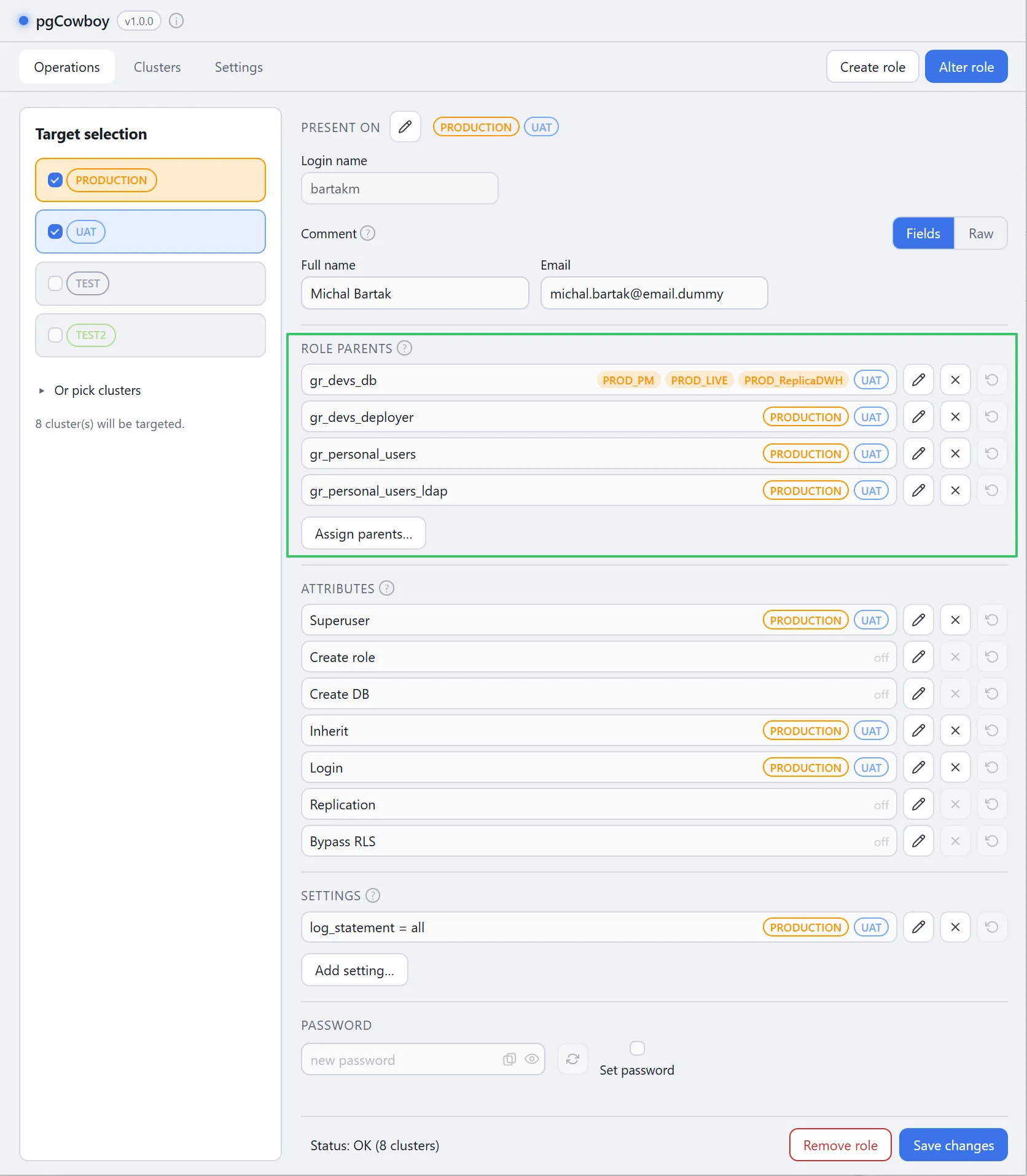
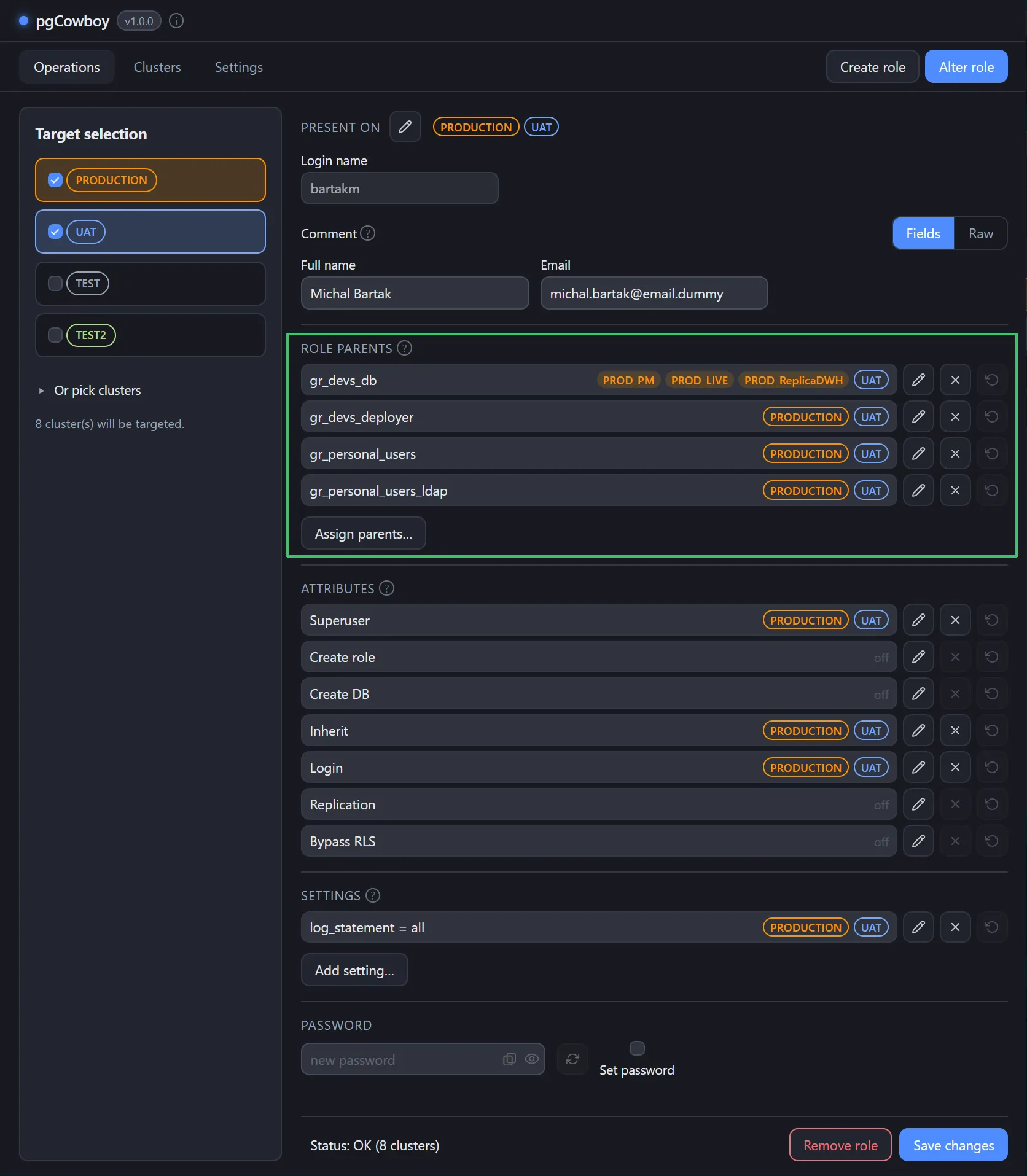
Editing the parent
Every row shows all three buttons. The ones that don’t apply are greyed out.
| Button | Effect |
|---|---|
| Edit | Opens a per-cluster editor that both grants and revokes. |
| Remove | Revokes on every cluster in scope. |
| Discard | Discards pending changes on that row. |
The editor provides list of clusters, showing the desired end state — tick to grant, untick to revoke. The app works out the difference from the current state.
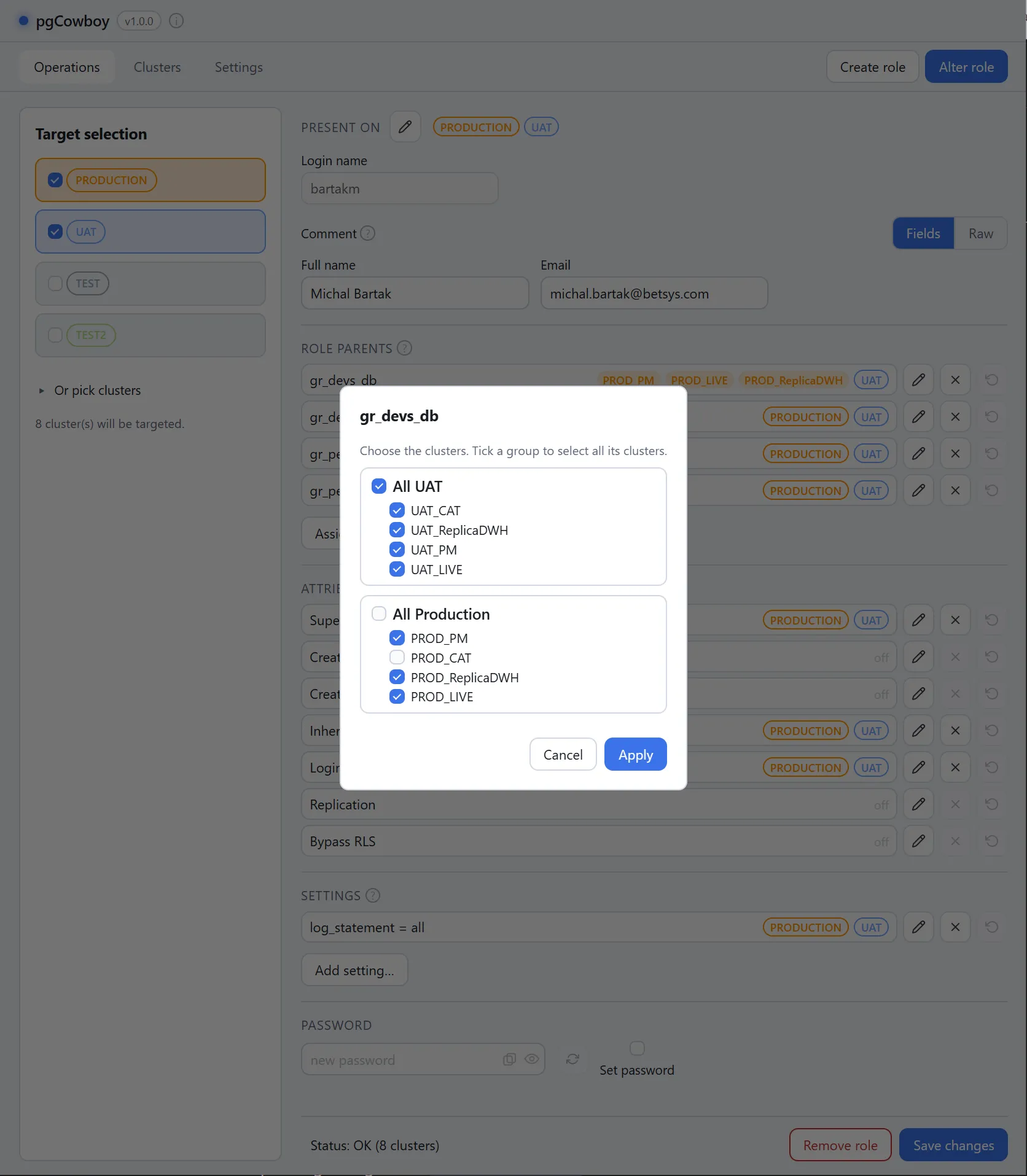
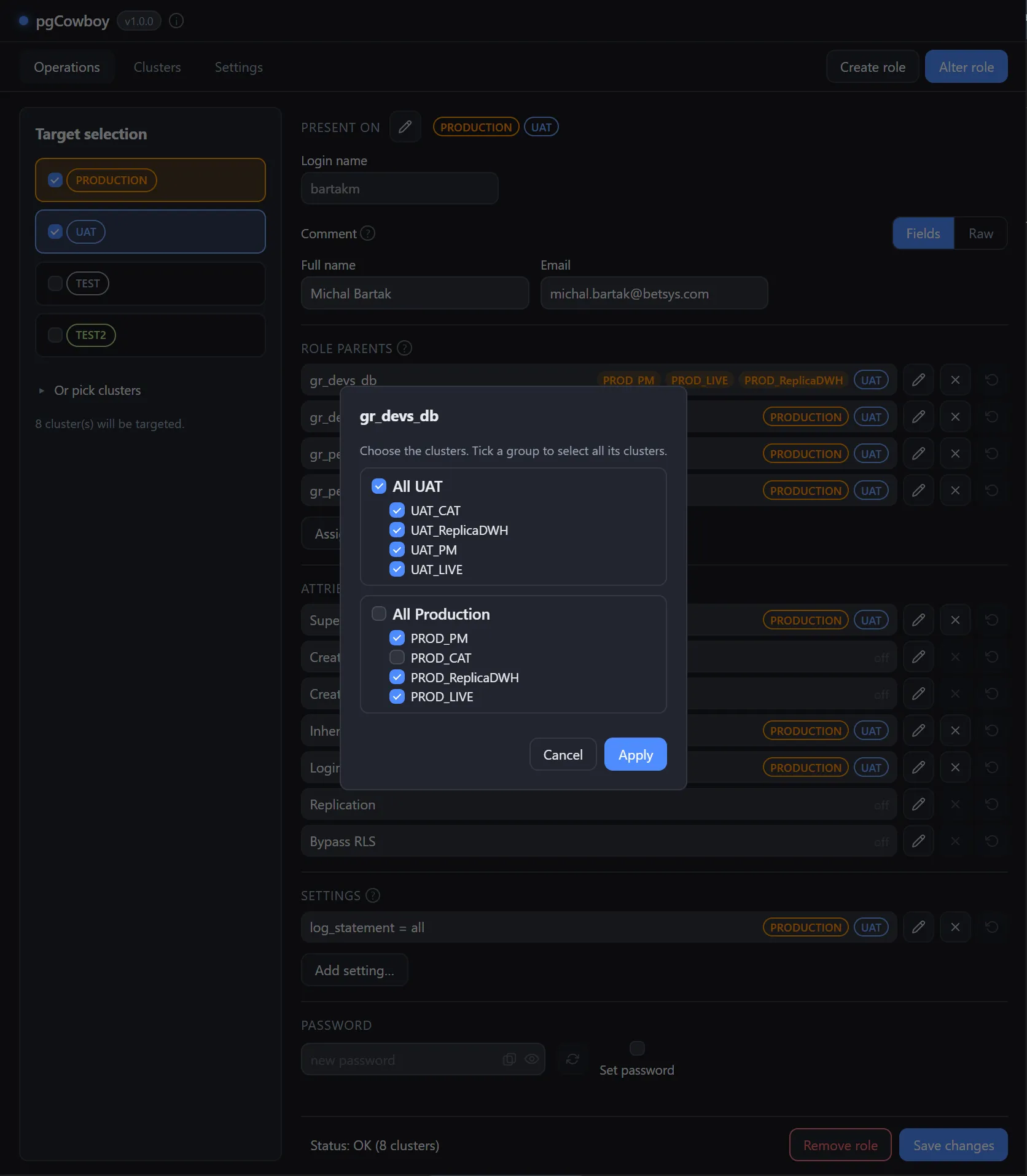
Pending changes are visible before you save, through the shared scope-label convention: a pending grant is prefixed with +, a pending revoke turns red and struck through.
New parents
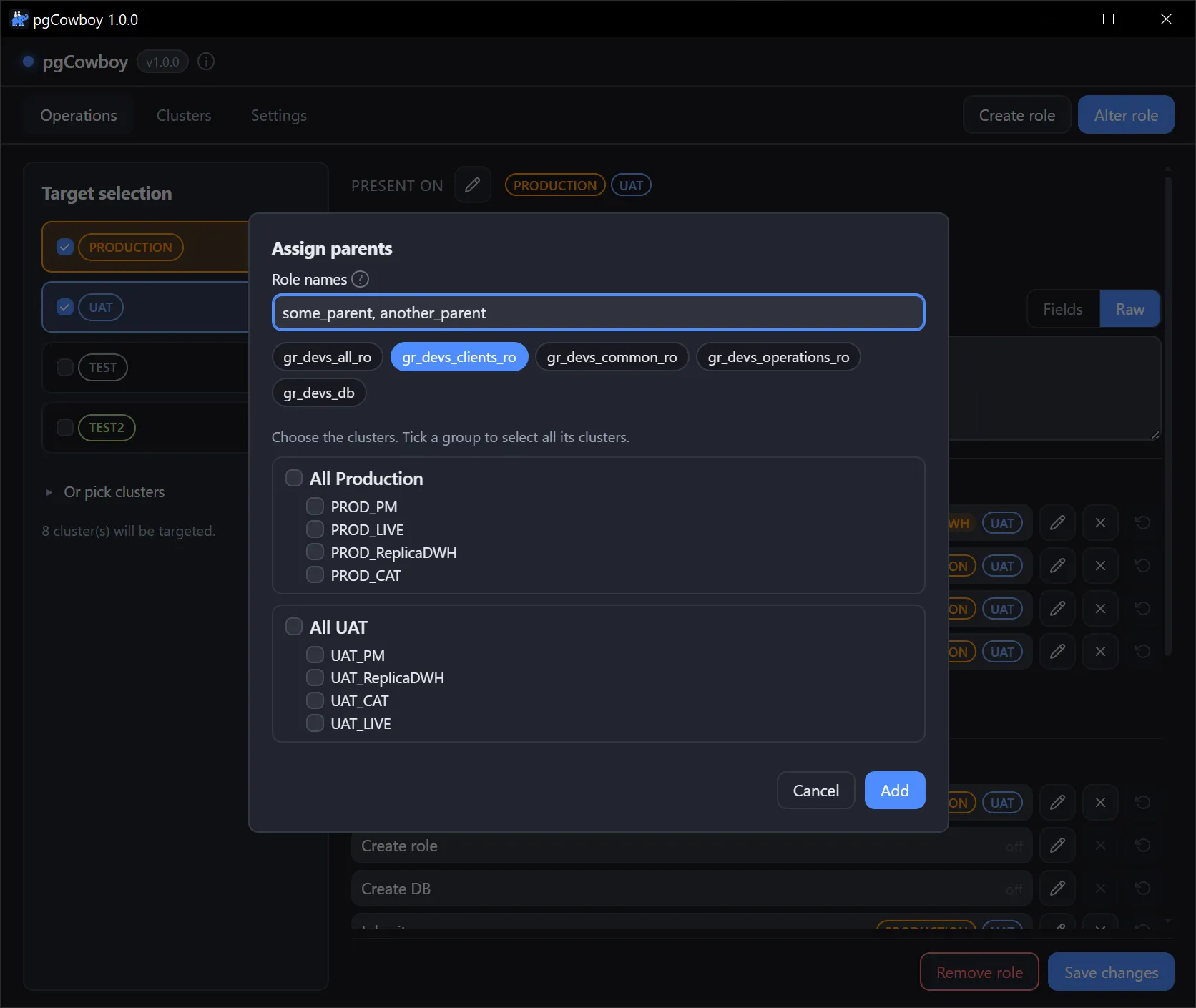
Assign parents… button opens a dialog that allow granting new memberships on any mix of groups and clusters. Two ways to name them, which combine freely:
- Type the names in Role names, separated by commas —
gr_devs_ro, app_ro. Spacing around a comma doesn’t matter, and repeats are collapsed. - Pick the chips from Preconfigured role parents.
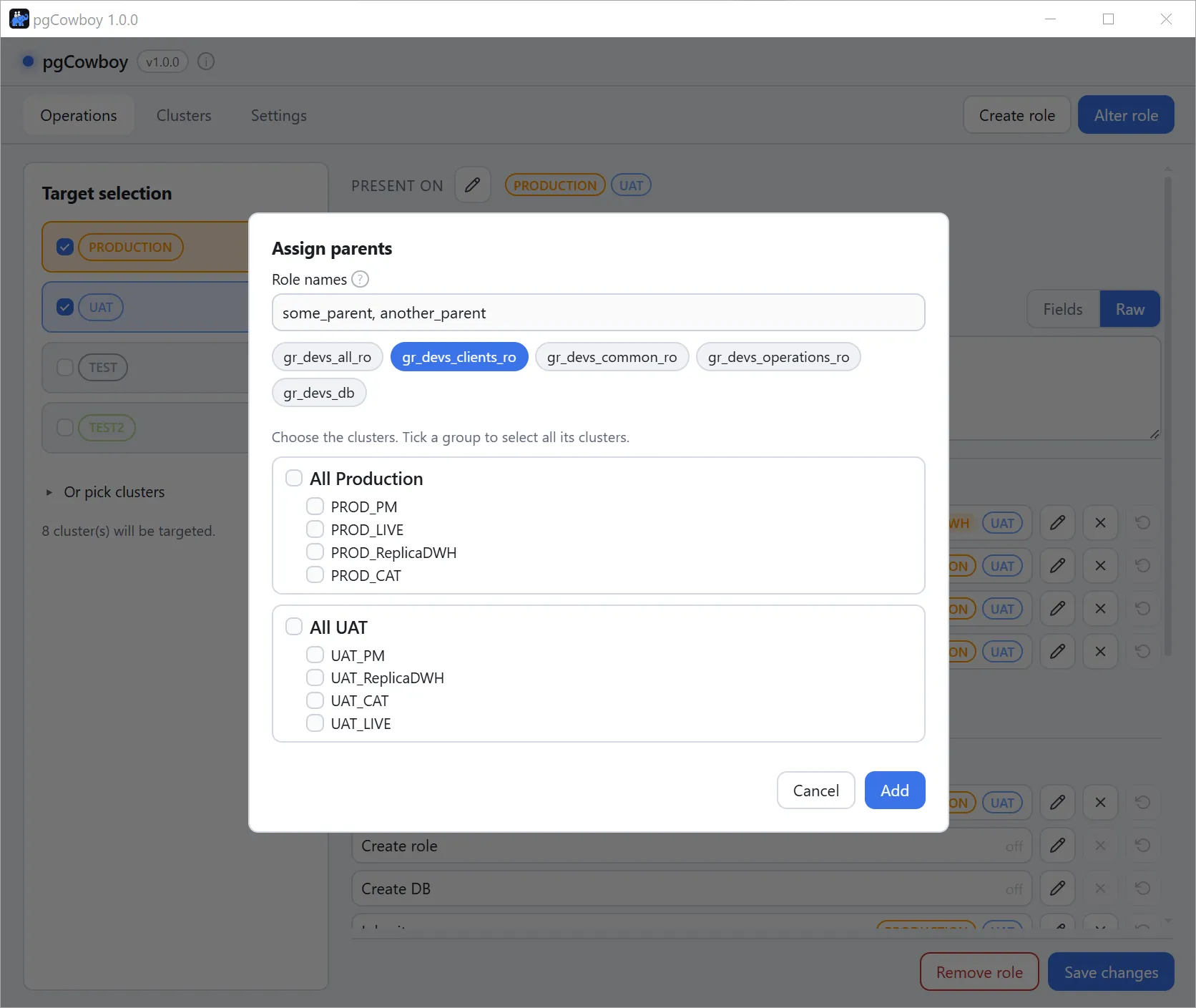
On Save changes, the application synthesises grant and revoke commands based on changes performed in the editor.
It runs through the Grant parents and Grant parents call template;
Final queries are folded into each cluster’s transaction.