
Call templates
Every change the app makes runs through a call template — a short piece of SQL with ${placeholder} or ${{placeholder}} fields. Templates live in Settings → DB command templates.
Command templates offers three *execution modes: statement, block or function while introspection templates accepts sql statements only.
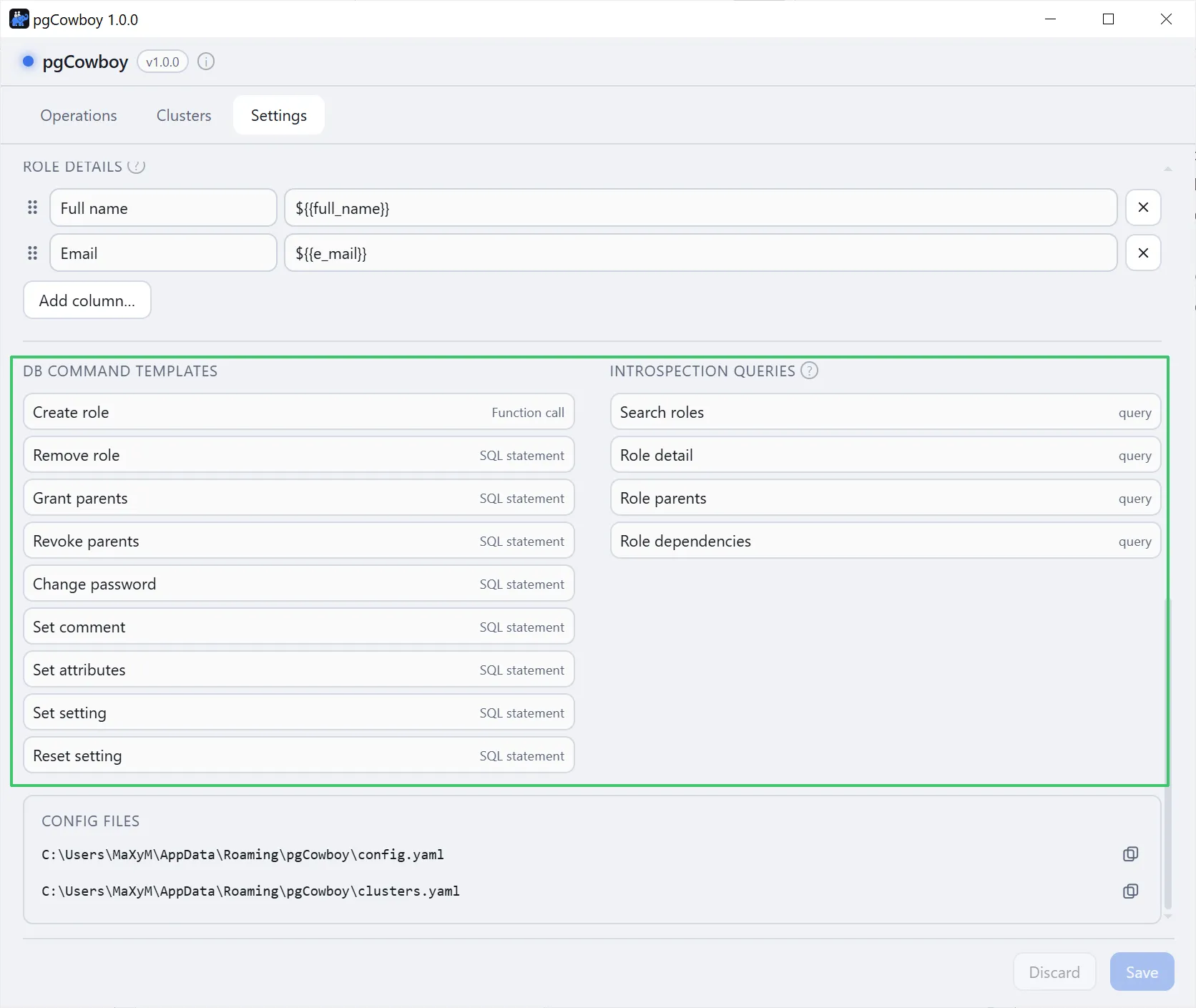
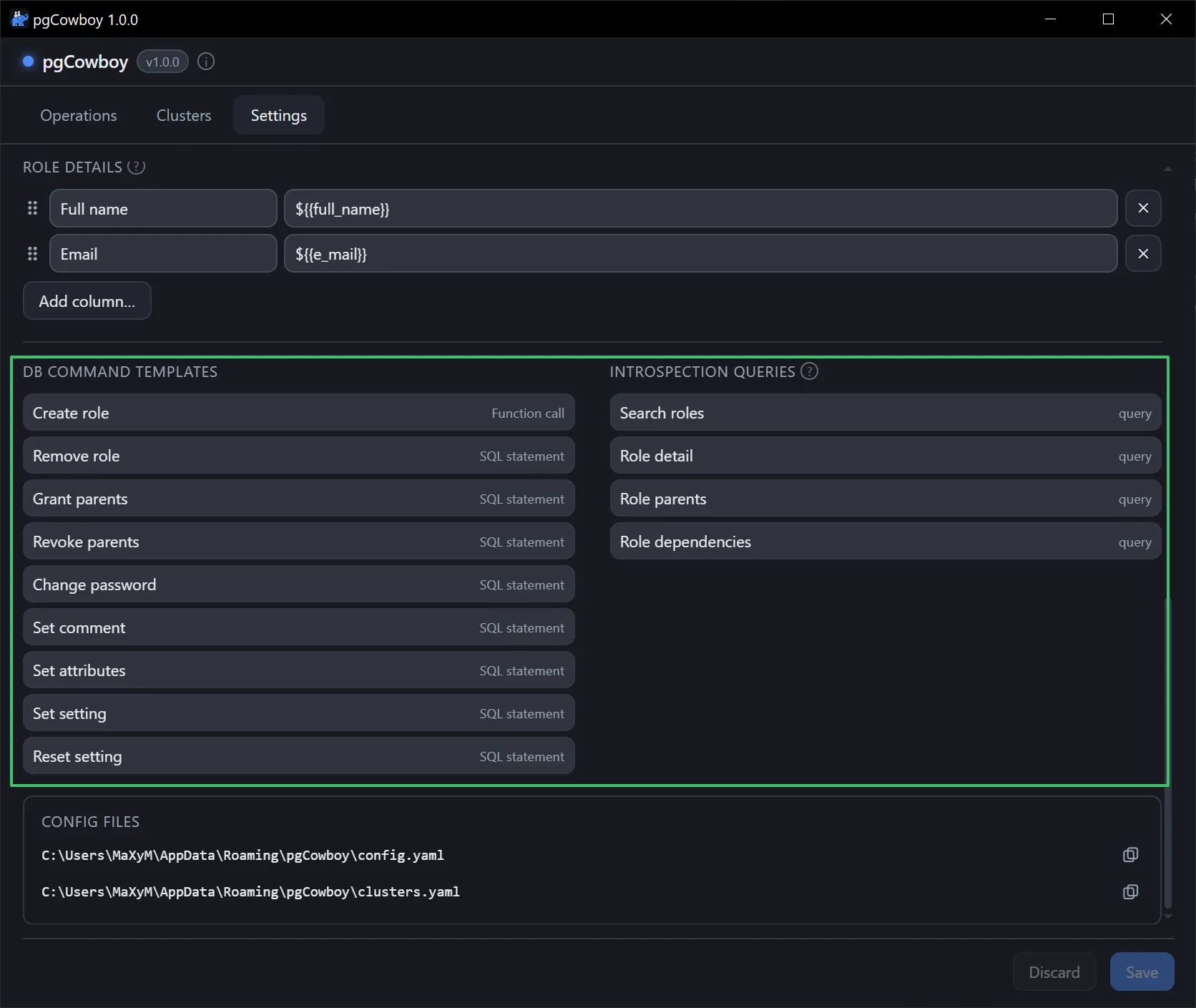
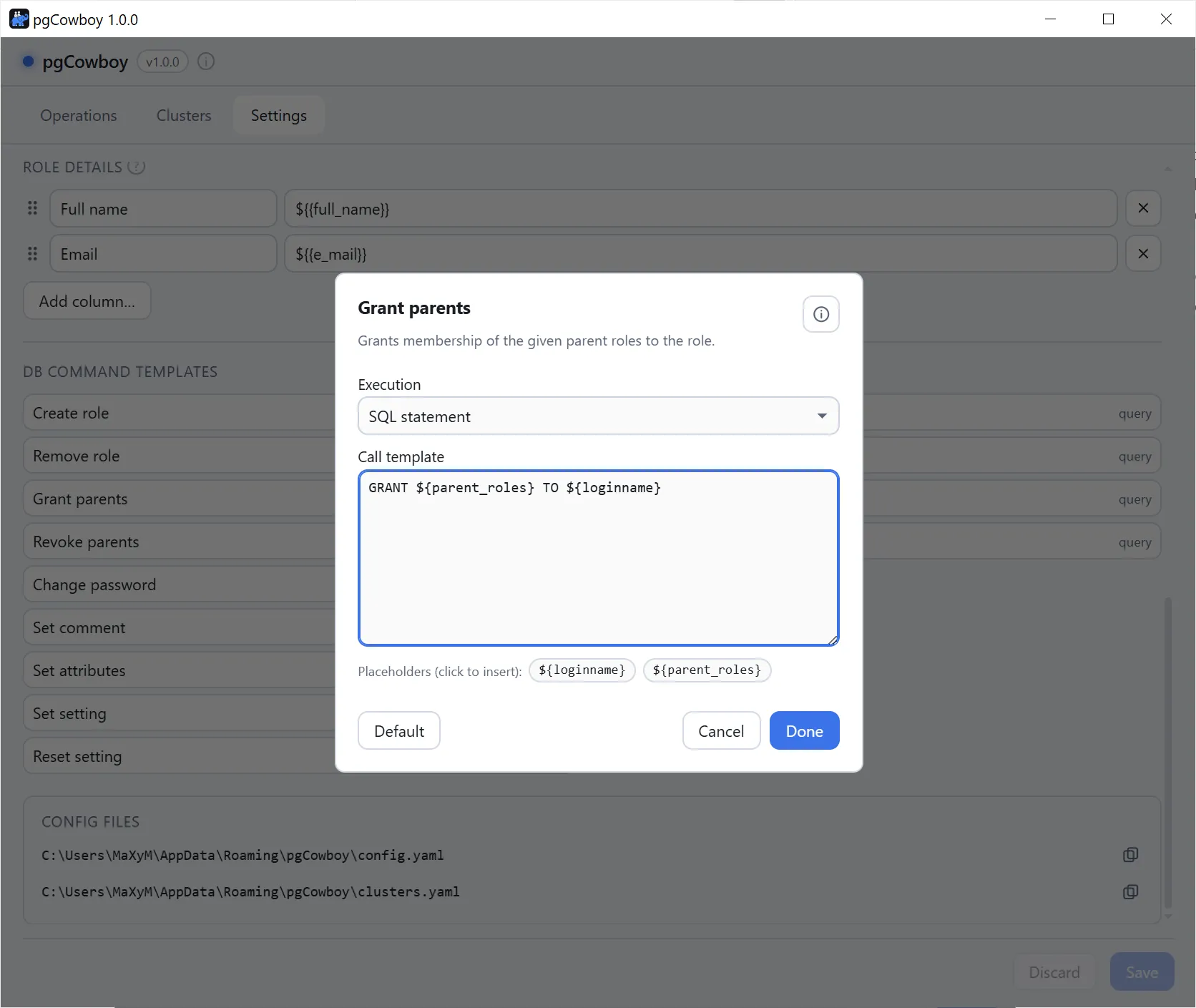
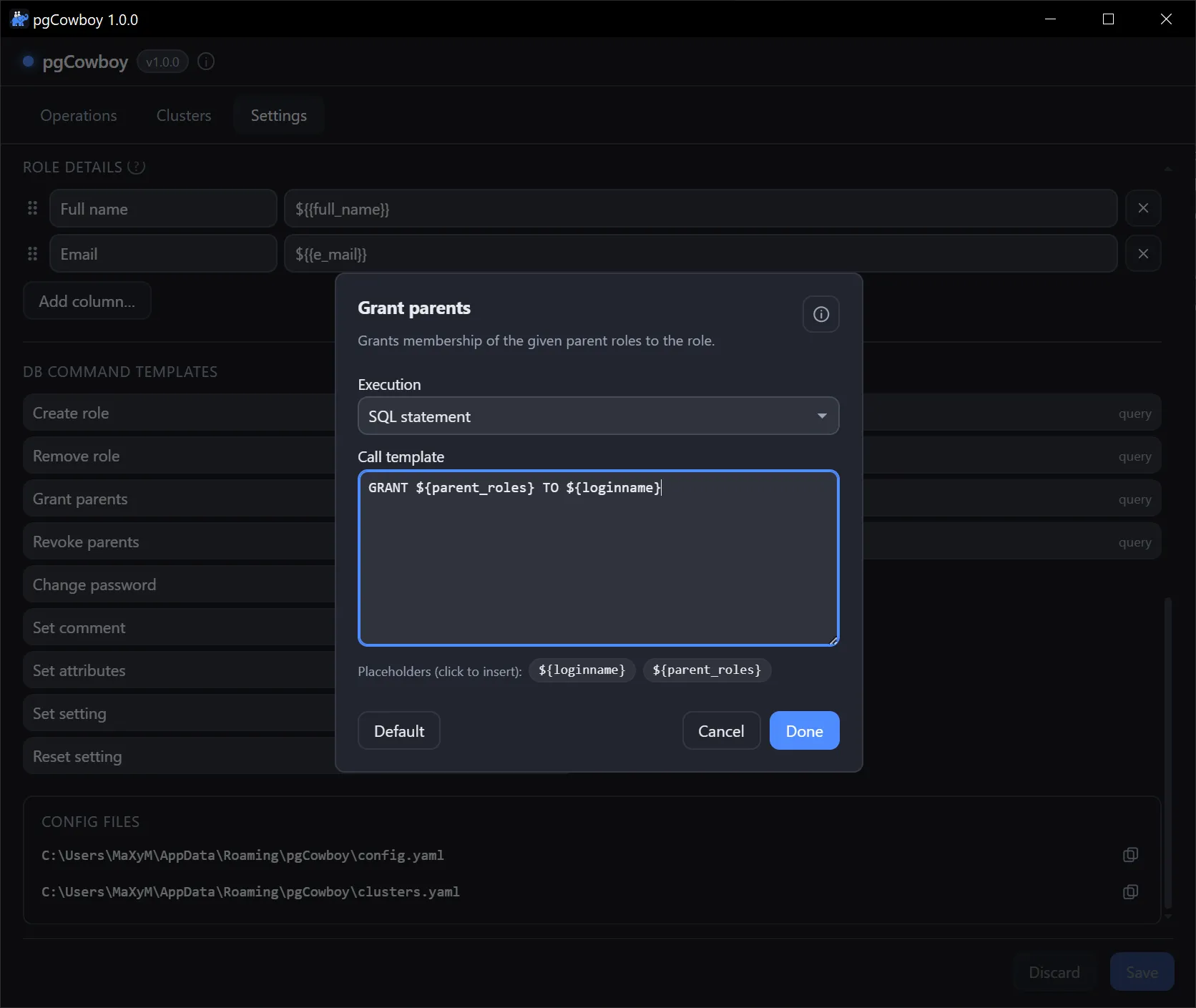
Clicking a command opens its editor: execution mode, the template text, clickable placeholder chips, and a Default button that restores the built-in version. The information button in the title bar opens the full syntax reference.
Operations and their defaults
| Operation | Default template |
|---|---|
create_role | CREATE ROLE ${loginname} |
remove_role | DROP ROLE ${loginname} |
grant_parents | GRANT ${parent_roles} TO ${loginname} |
revoke_parents | REVOKE ${parent_roles} FROM ${loginname} |
change_password | ALTER ROLE ${loginname} PASSWORD ${new_password} |
set_comment | COMMENT ON ROLE ${loginname} IS ${comment} |
set_attribute | ALTER ROLE ${loginname} WITH ${attributes} |
set_config | ALTER ROLE ${loginname} SET ${config_name} = ${config_value} |
reset_config | ALTER ROLE ${loginname} RESET ${config_name} |
Required privileges
Because the defaults are plain DDL, each operation needs whatever its statement needs. A superuser covers all of them.
| Operation | Privilege it needs |
|---|---|
create_role, remove_role | CREATEROLE |
grant_parents, revoke_parents | ADMIN OPTION on each parent role (PostgreSQL 16+) |
change_password, set_comment | CREATEROLE, plus ADMIN OPTION on the role (PostgreSQL 16+) |
set_attribute — Login, Inherit, Create role | CREATEROLE, plus ADMIN OPTION on the role (PostgreSQL 16+) |
set_attribute — Create DB, Replication, Bypass RLS | the same attribute on the connecting role (PostgreSQL 16+); superuser earlier |
set_attribute — Superuser | superuser, always |
set_config, reset_config | CREATEROLE, plus ADMIN OPTION on the role (PostgreSQL 16+) |
set_config — a superuser-only parameter such as log_statement | superuser, or GRANT SET ON PARAMETER |
Execution modes
- statement / block — the template is raw SQL (DDL,
GRANT,ALTER ROLE). PostgreSQL can’t bind a role name as$1, so the app embeds names as quoted identifiers and literals as escaped strings. Useblockwhen the SQL is aDO $$ … $$block. - function — the template is a function call. Values are passed as real bind parameters (
$1,$2, …), which is the safest option when your DDL is wrapped in a function.
Two placeholder namespaces
${name}— a built-in, from the closed set the operation offers (the table above). Anything else in single braces is rejected when you save.${{key}}— a comment field you configured under Comment fields, increate_roleandset_commentonly.
How fields are embedded
The app knows the kind of each field, so you don’t quote them yourself:
- Role names (
loginname) → double-quoted identifiers, preserving case. parent_roles(create_role, grant_parents, revoke_parents) → in statement/block mode a comma-separated list of quoted identifiers ("a", "b"); in function mode an inlineARRAY['a', 'b']literal (values verbatim, an empty selection →NULL).new_password,comment,config_value→ escaped string literals.- Comment fields — one
${{key}}placeholder per key configured under Comment fields (e.g.${{full_name}},${{e_mail}}), available increate_roleandset_comment. The value comes from the role’s JSON comment and is embedded by type: string → quoted literal, number/boolean → bare literal, array/object → JSON text, and an empty/null/missing value → bareNULL. config_name→ a bare, validated GUC name (never quoted).attributes→ a space-separated keyword list, each keyword checked against a whitelist (SUPERUSER/NOSUPERUSER,CREATEROLE,LOGIN,REPLICATION,BYPASSRLS, …). All of a cluster’s attribute changes are combined into oneALTER ROLE … WITH ….
Examples
SQL statement
CREATE ROLE ${loginname}Function call
Suppose role creation must go through a helper that also assigns fixed groups.
admin_access.create_role( _role_name => ${loginname}, _role_fullname => ${{fullname}}, _role_email => ${{email}}, _role_parents => ARRAY['gr_personal_users', 'gr_personal_users_ldap'])Code block
It provides another way of performing multiple operations.
DO LANGUAGE plpgsql $$BEGIN CREATE ROLE ${loginname}; GRANT gr_personal_users_ldap TO ${loginname}; ALTER ROLE ${loginname} SET log_statement='all';END;$$Read (introspection) queries
Alter-role search and detail, plus the dependency check run before a role is dropped, use four read queries, also editable (Settings → Introspection queries, or db_reads in config). Each takes a single ${rolename} bind, and its result columns are matched by name against a fixed contract.
| Query | Contract columns |
|---|---|
search_roles | rolname, comment |
role_detail | the seven rol* flags, comment, rolconfig |
role_parents | rolname |
role_dependencies | database, dependency, class, object |
Column order doesn’t matter and a missing column is tolerated, but an unexpected extra column is rejected.
Custom role_dependencies
role_dependencies is the pre-flight check: it runs on every cluster a removal targets, and its rows are shown per cluster before anything is dropped.
The query is executed against connected database, identifing dependencies on all databases of the cluster. Unfortunatelly it can resolv fully qualified identifiers of these objects only for connected database. If you have dblink installed, you can write a function that looks up to each database in the cluster collecting needed data. Here is an example
Code of role_depenendencies() function
CREATE OR REPLACE FUNCTION admin.role_depenendencies(_rolename TEXT)RETURNS TABLE (database TEXT, dependency TEXT, class TEXT, object TEXT)LANGUAGE plpgsqlAS $x$DECLARE    _dbs RECORD;    _nconn   oid[];  -- collect unreachable dbs    _conn    TEXT;   -- dblink conn name    _connstr TEXT;   -- connection string    _sql     TEXT = format($sql$                SELECT COALESCE(d.datname, current_database()) AS database,                       CASE s.deptype                           WHEN 'o' THEN 'owner'                           WHEN 'a' THEN 'privileges (ACL)'                           WHEN 'i' THEN 'initial privileges'                           WHEN 'r' THEN 'RLS policy'                           WHEN 't' THEN 'tablespace'                           WHEN 'p' THEN 'pinned (system)'                       END AS dependency,                       s.classid::regclass::TEXT AS class,                       CASE WHEN s.dbid = 0 OR d.datname = current_database()                            THEN pg_describe_object(s.classid, s.objid, s.objsubid)                            ELSE 'oid: ' || s.objid || CASE WHEN s.objsubid = 0 THEN '' ELSE '; sub oid: ' || s.objsubid END                       END AS object                FROM pg_shdepend      AS s                JOIN pg_roles         AS r ON r.oid  = s.refobjid                LEFT JOIN pg_database AS d ON s.dbid = d.oid                WHERE s.refclassid = 'pg_authid'::regclass                  AND r.rolname    = %L                $sql$, _rolename);BEGIN
    CREATE TEMPORARY TABLE res (database TEXT, dependency TEXT, class TEXT, object TEXT) ON COMMIT DROP;
    -- try to fetch remote dependencies    FOR _dbs IN
        SELECT oid, datname        FROM pg_database        WHERE datname <> current_database()
    LOOP
        _conn = NULL;
        BEGIN            -- use you own implementation of dblink connection            _conn = 'conn_' || _dbs.datname;
            IF NOT _conn = ANY(COALESCE(dblink_get_connections(), Array[]::TEXT[]))            THEN
                _connstr = format('service=%s', 's_' || _dbs.datname);                PERFORM dblink_connect(_conn, _connstr);
            END IF;
        EXCEPTION WHEN OTHERS THEN            _nconn = _nconn || _dbs.oid;            _conn = NULL;
        END;
        IF _conn IS NOT NULL        THEN
            PERFORM dblink_exec(_conn, 'SET search_path = ''''', TRUE); -- to ensure fully qualified identifiers resolved properly
            INSERT INTO res (database, dependency, class, object)            SELECT x.database, x.dependency, x.class, x.object            FROM dblink(_conn, _sql || ' AND (s.dbid = 0 OR d.datname = current_database())', TRUE)                    AS x(database TEXT, dependency TEXT, class TEXT, object TEXT);
            PERFORM dblink_disconnect(_conn);
        END IF;
    END LOOP;
    -- local + unresolved remote dependencies    SET search_path = ''; -- to ensure fully qualified identifiers resolved properly    EXECUTE  'INSERT INTO res (database, dependency, class, object) ' || _sql || ' AND ((s.dbid = 0 OR d.datname = current_database()) OR s.dbid = ANY (' || quote_literal(_nconn) || '))';    RESET search_path;
    RETURN QUERY    SELECT *    FROM res;
END;$x$;
COMMENT ON FUNCTION admin.role_depenendencies(_rolename TEXT) IS $$Returns information about objects that depend on the login role whose name is passed as the argument.
Useful for identifying dependencies that would prevent the role from being dropped.
The function uses dblink to connect to other databases in the cluster, which is required to resolve object identifiers. If a connection cannot be established, the object's OID is returned instead.$$;
Once deployed, replace role_dependencies template with
SELECT database, dependency, class, objectFROM admin.role_depenendencies(${rolename})ORDER BY 1, 2, 3, 4