
Setting a password
The password row sits with the rest of the form and is off until you enable it.
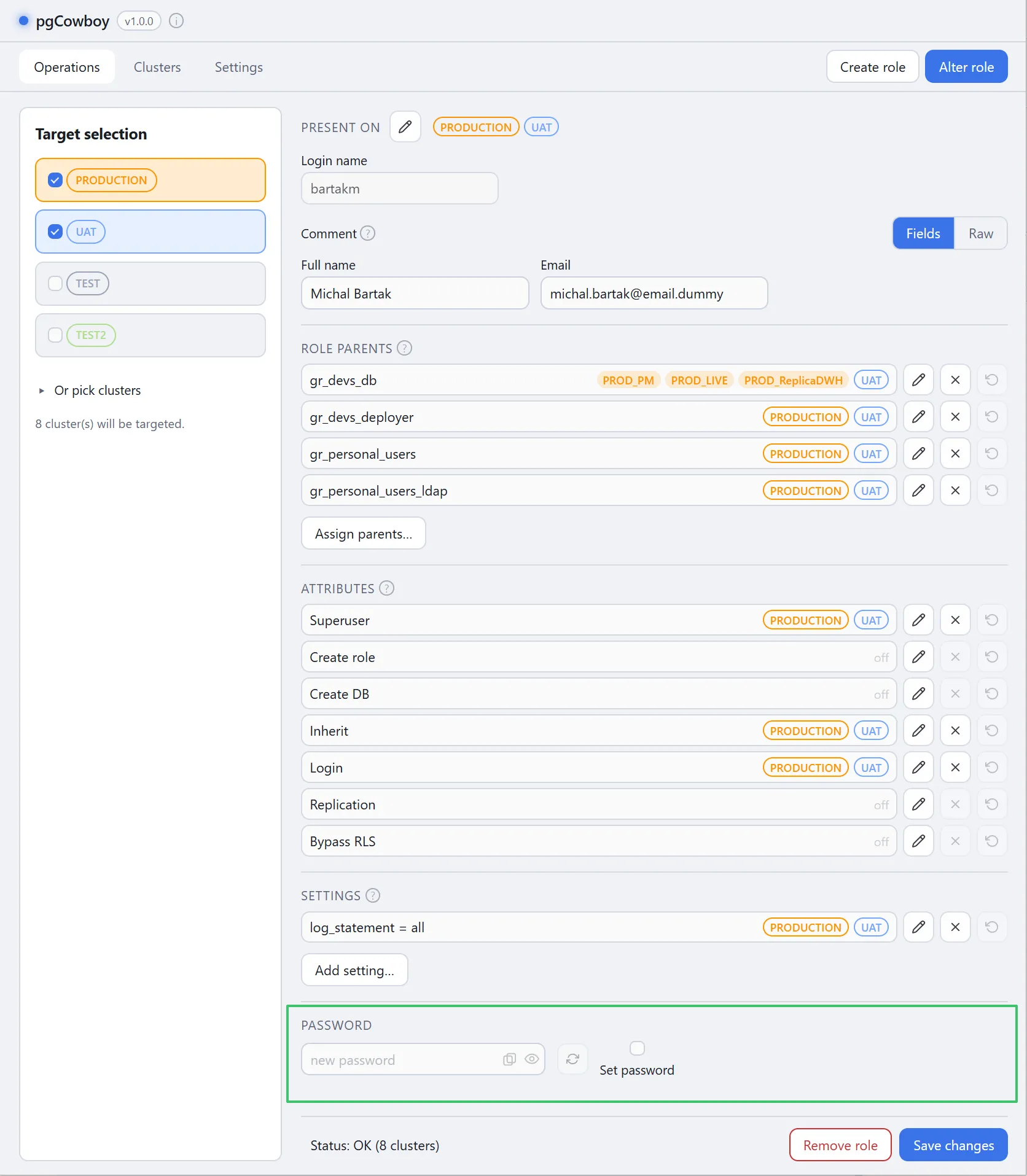
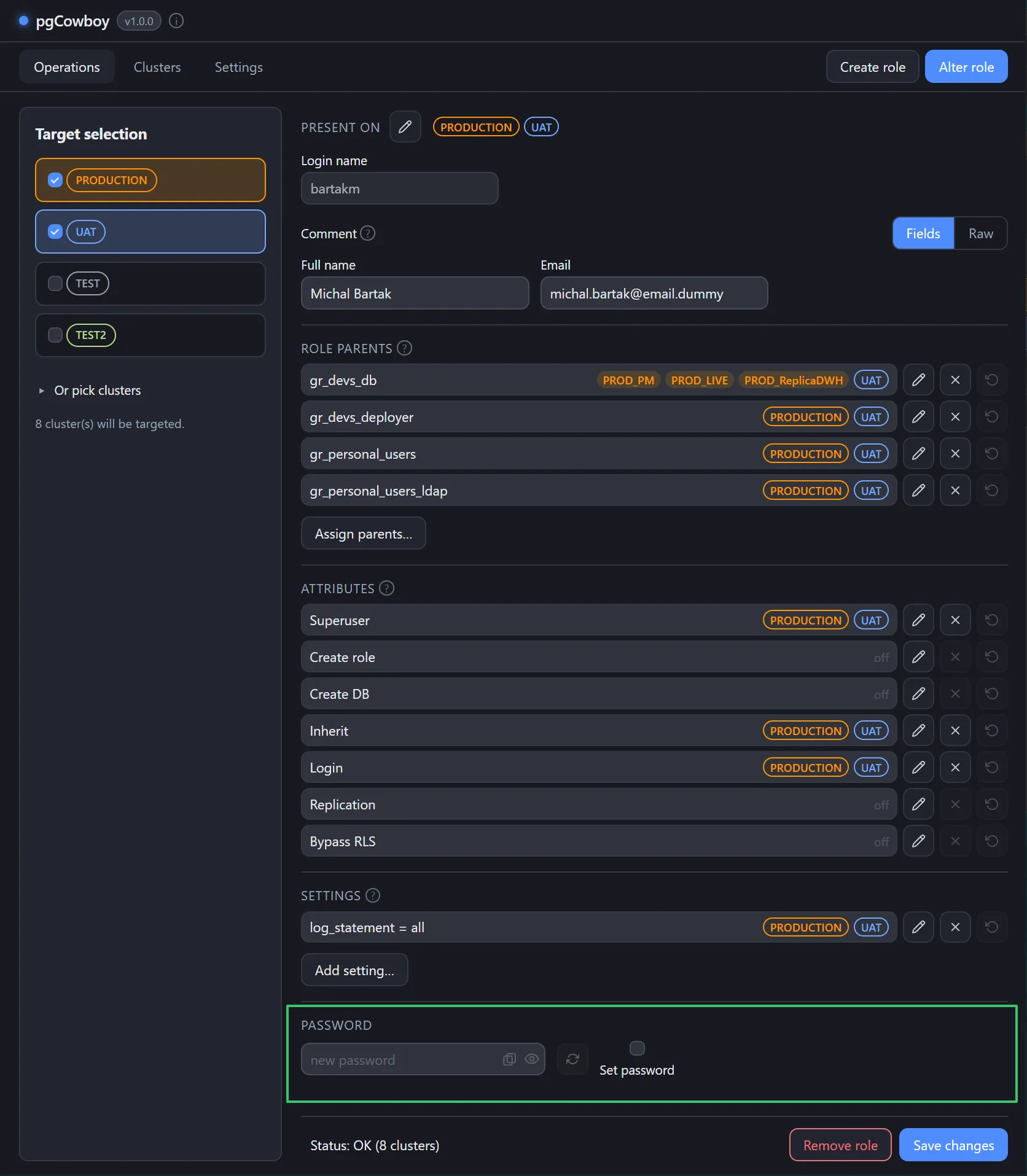
Set password
Nothing happens to the password unless Set password is ticked. Until then the text field, Generate, Copy and the reveal ey buttons are all disabled.
| Control | Effect |
|---|---|
| Set password | Arms the row. Only then is a password sent. |
| Field | Masked. Type your own, or use Generate. |
| Reveal | Shows the value while you check it. |
| Copy | Copies the value even while masked, so you can paste it into a ticket or vault. |
| Generate | Fills the field with a fresh random password. |
Generate
Generate builds a password from your password generator settings — length, character classes, and whether look-alike characters are excluded — using the platform’s cryptographic random source.
Execution
If the password is enabled, the Save changes sets it on every cluster in scope where the role exists, as part of that cluster’s transaction.
It runs through the Change password call template.
Final query is folded into each cluster’s transaction.