
Altering the comment
A role’s comment is stored by COMMENT ON ROLE. The app can treat it as plain text or as JSON.
Storing JSON in the comment lets you keep additional role information — name, email — together with the role itself, in a predefined but configurable way. The preference (plain text or JSON) and the supported JSON keys are set in Comment fields.
The inline editor
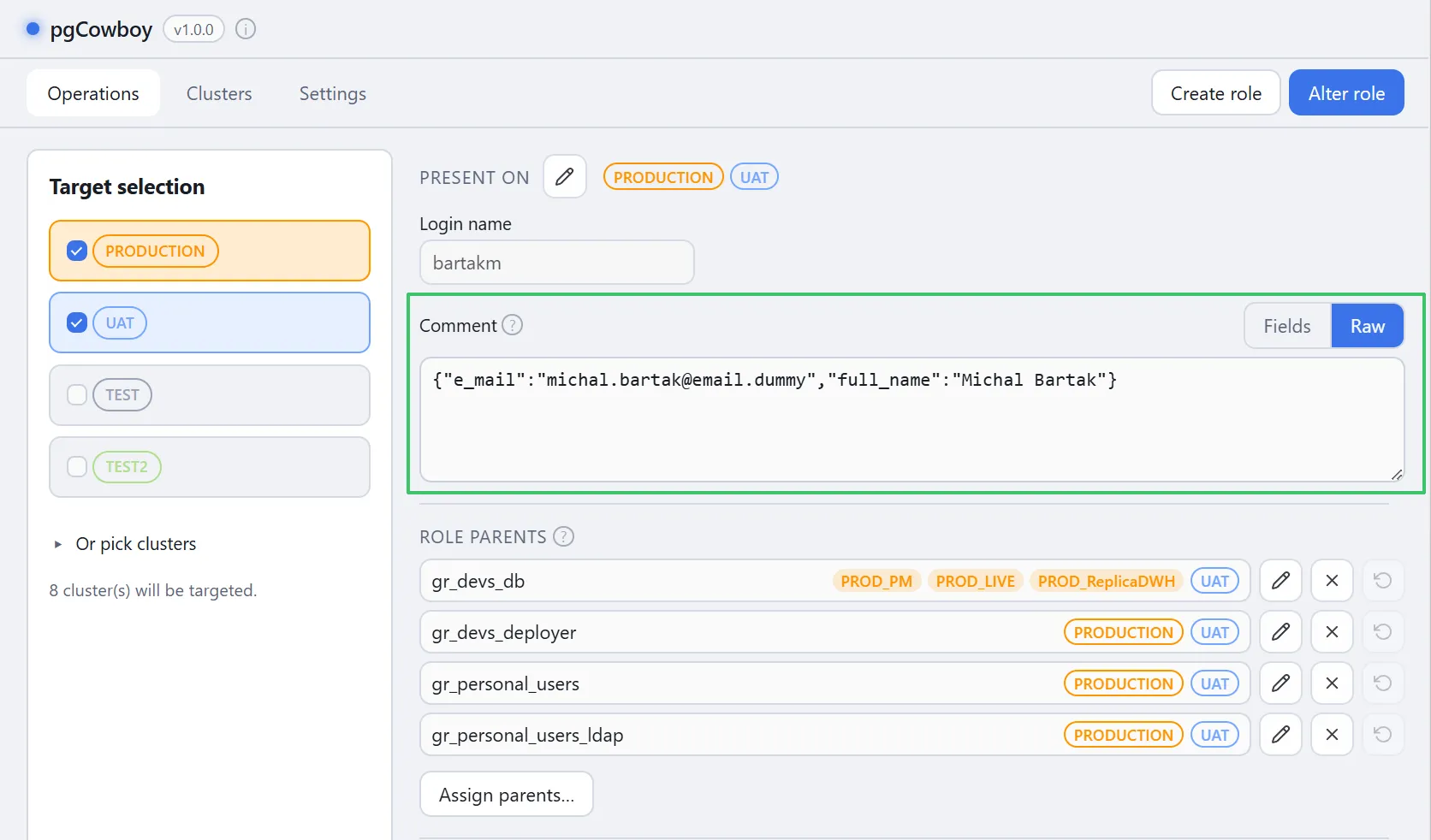
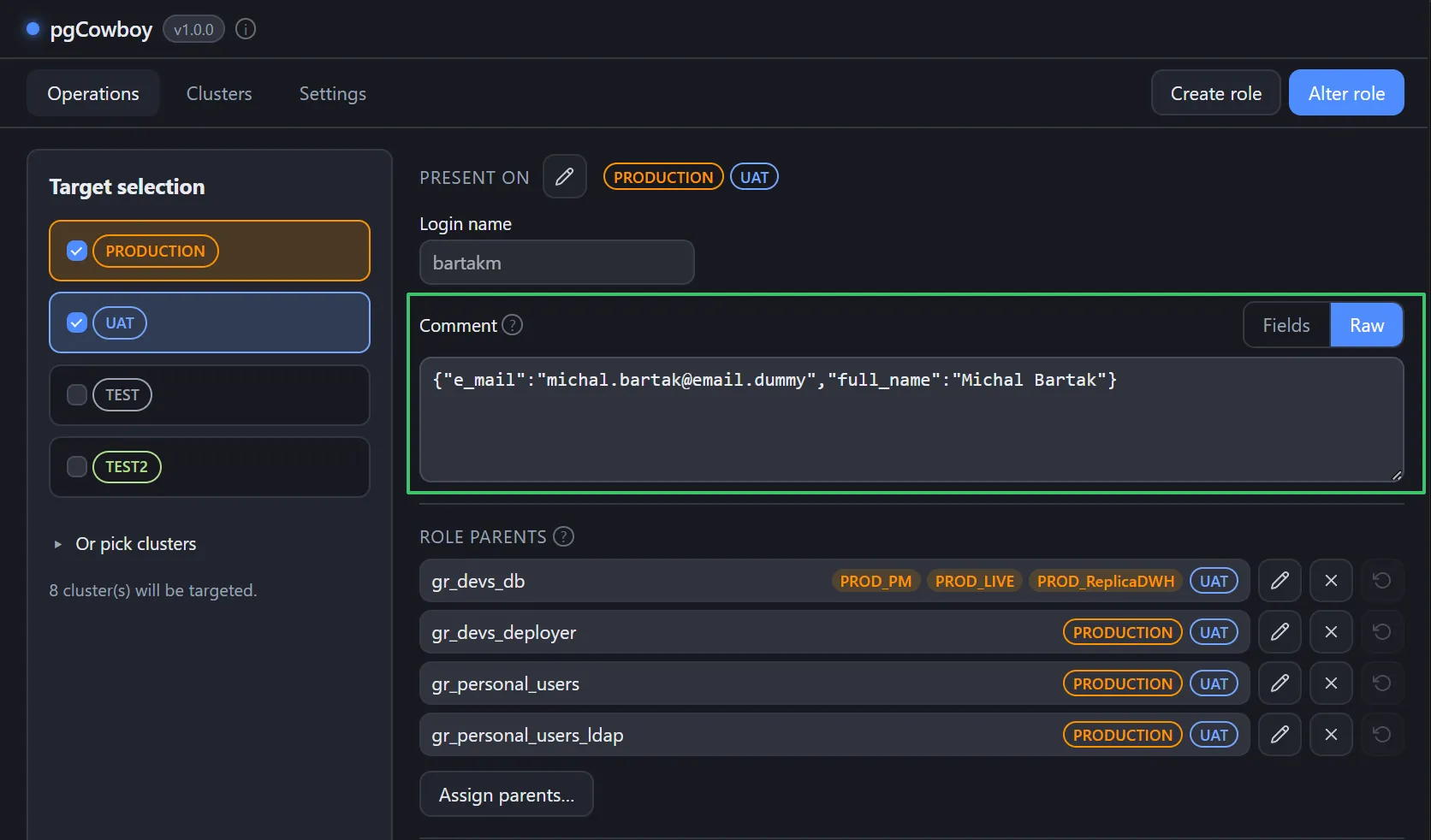
The comment editor sits under the login name, with a Fields ↔ Raw toggle. It opens in whichever mode Preferred comment view is set to — Raw unless you change it — and the toggle overrides that for the role you are looking at.
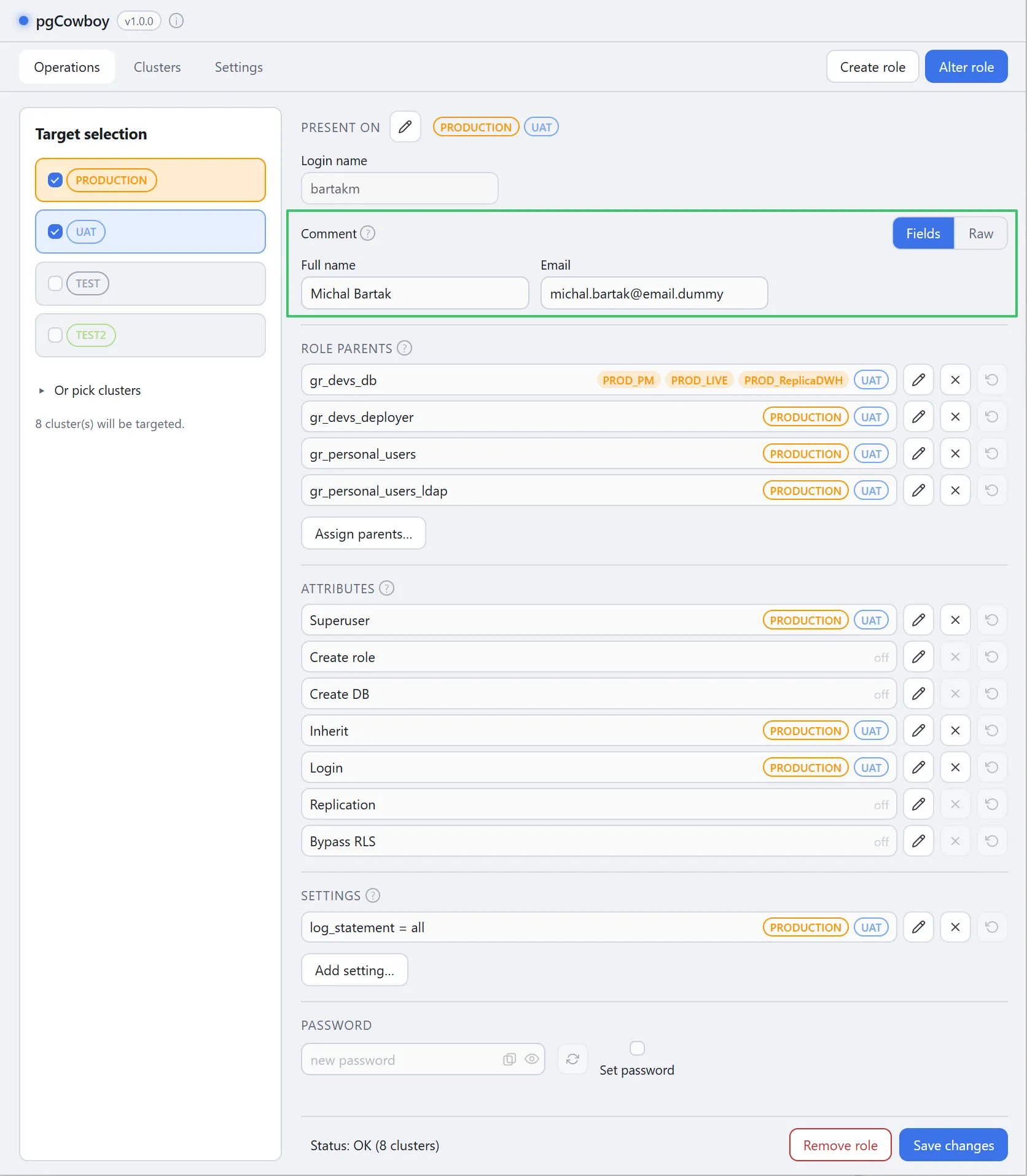
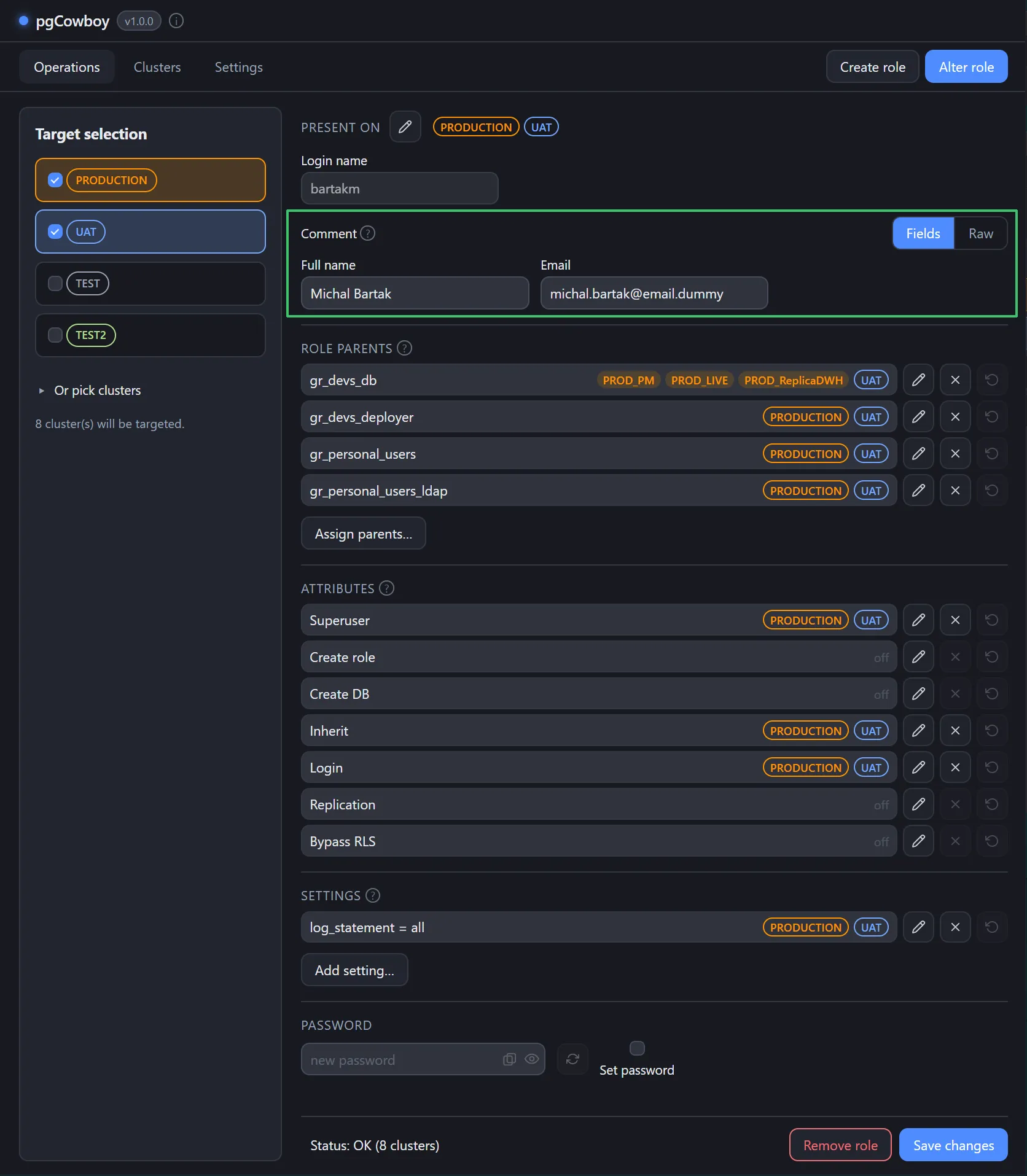
- Raw — shows the comment as editable free text.
- Fields — breaks the comment into one labelled input per JSON key. The friendly labels come from Comment fields, and any other key in the comment still appears, labelled by its raw key. With no fields configured and none in the comment, it says so instead of showing an empty box.
Details worth knowing:
- Non-string values (number, boolean, array, object) are read-only in Fields, so their type is preserved. Edit them in Raw.
- Clearing a field that already existed stores JSON
null; a key that was never there stays absent. An entirely blank comment saves as empty. - The Fields toggle is disabled when the comment is non-empty plain text — Fields can’t represent it, and switching would drop it. Edit that comment in Raw. This is also why a plain-text comment ignores a Fields preference and opens in Raw anyway.
- A non-JSON comment is saved verbatim as plain text.
Comment discrepancy across clusters
If the same role carries different comments on different clusters, the inline editor is replaced by a Comments differ across clusters button. Reconciliation moves to the Comments dialog.
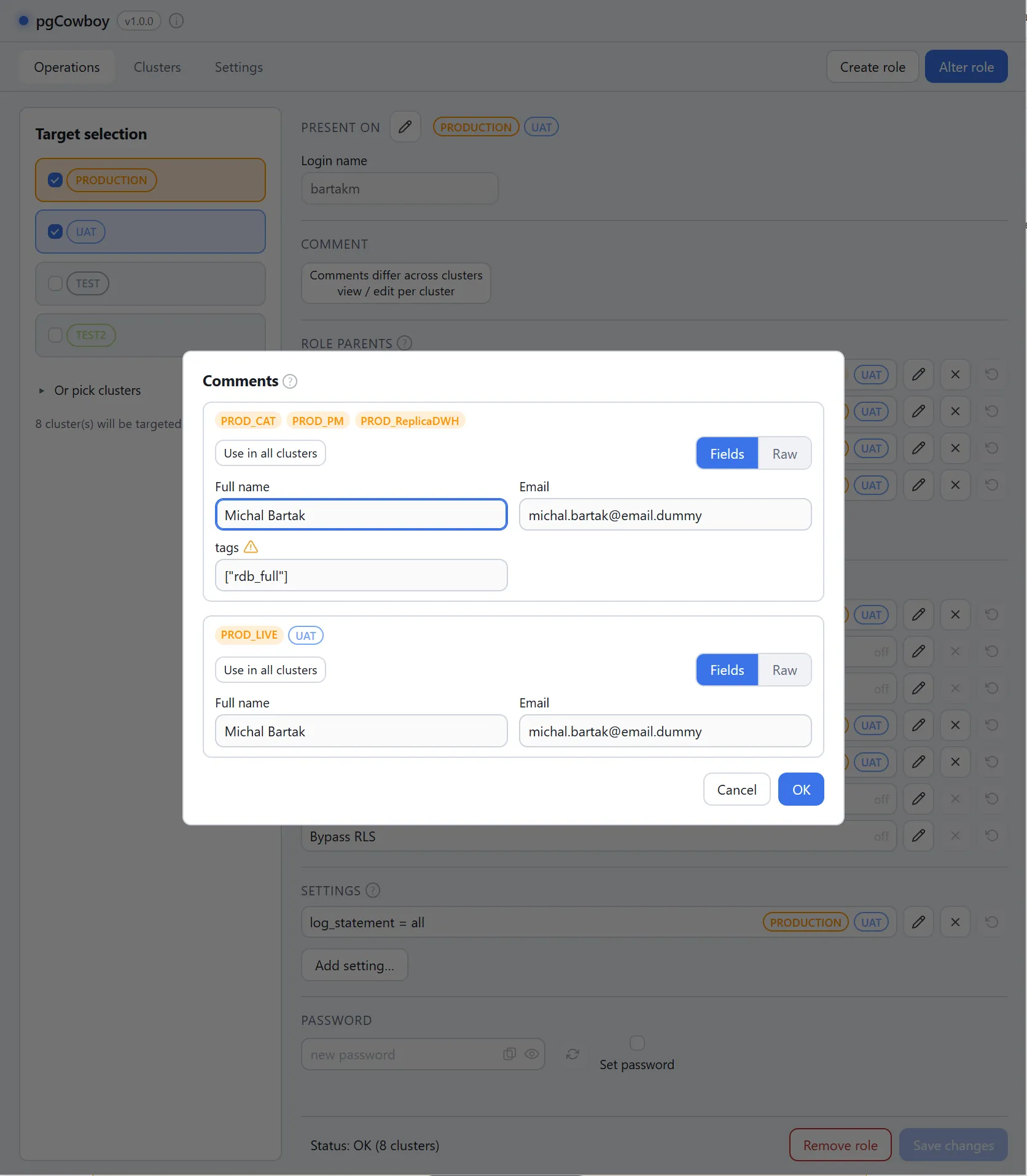
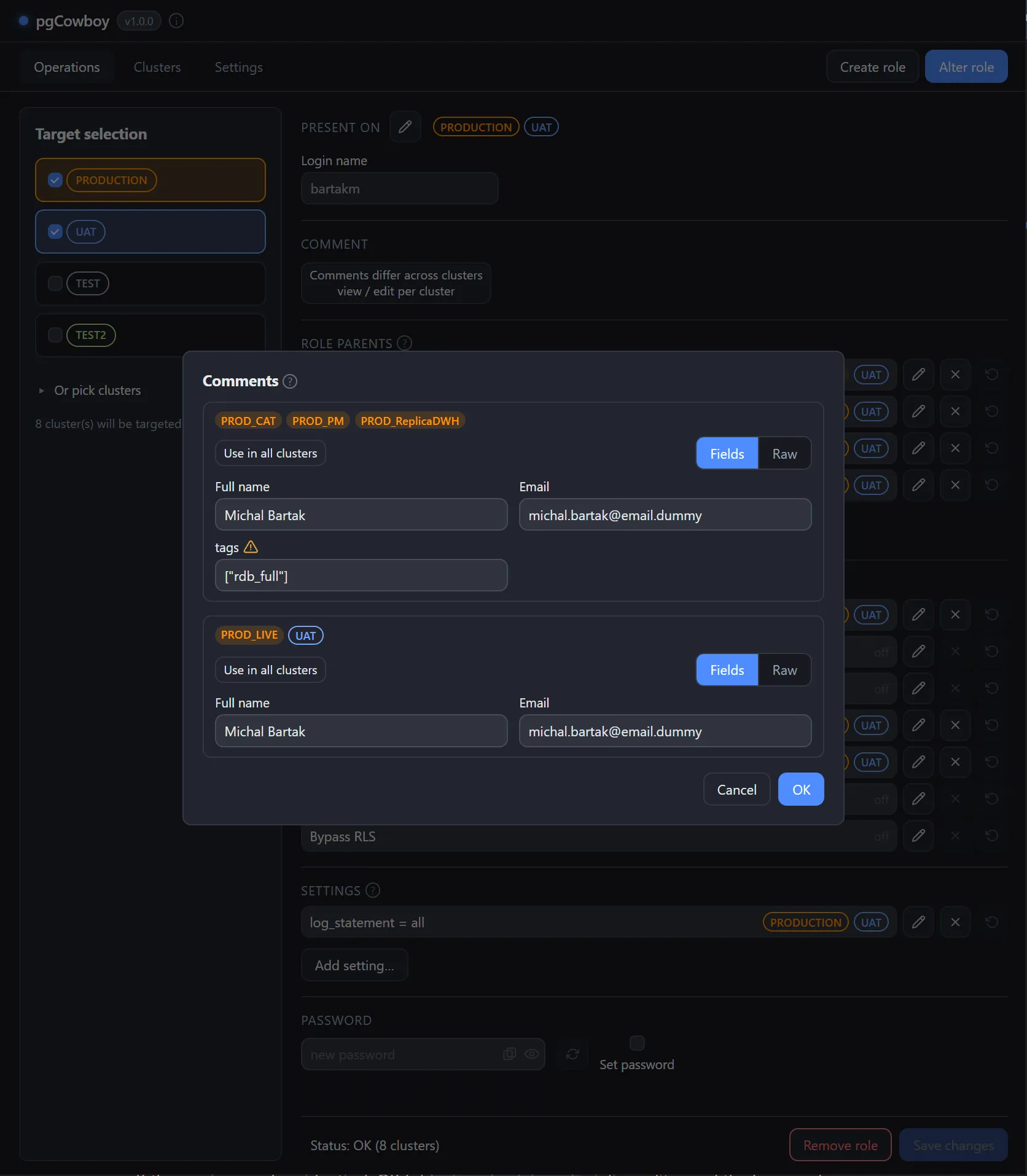
- Clusters are grouped by comment content. JSON is compared by value, so formatting and key order don’t count as a difference.
- Each version gets its own Fields/Raw editor, opening in the same preferred mode as the inline one.
- Use in all clusters buttons broadcasts one version to every other version box.
- OK stages your edits; Cancel discards them.
- If the versions end up identical, OK folds them back into the inline editor and the banner clears.
Staged comments publish with everything else on Save changes.