
Password generator
Controls the random password produced by Generate on the role form’s password field.
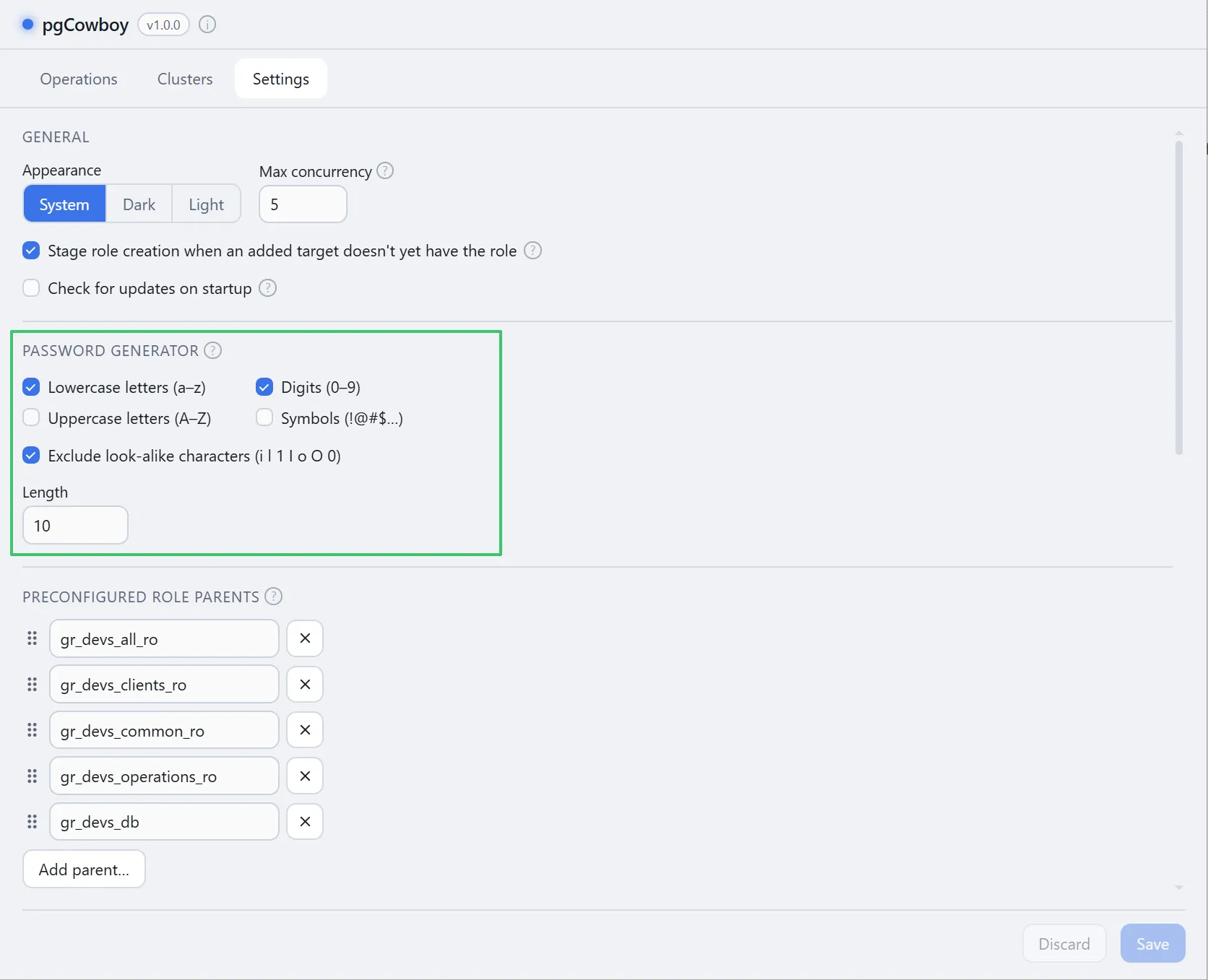
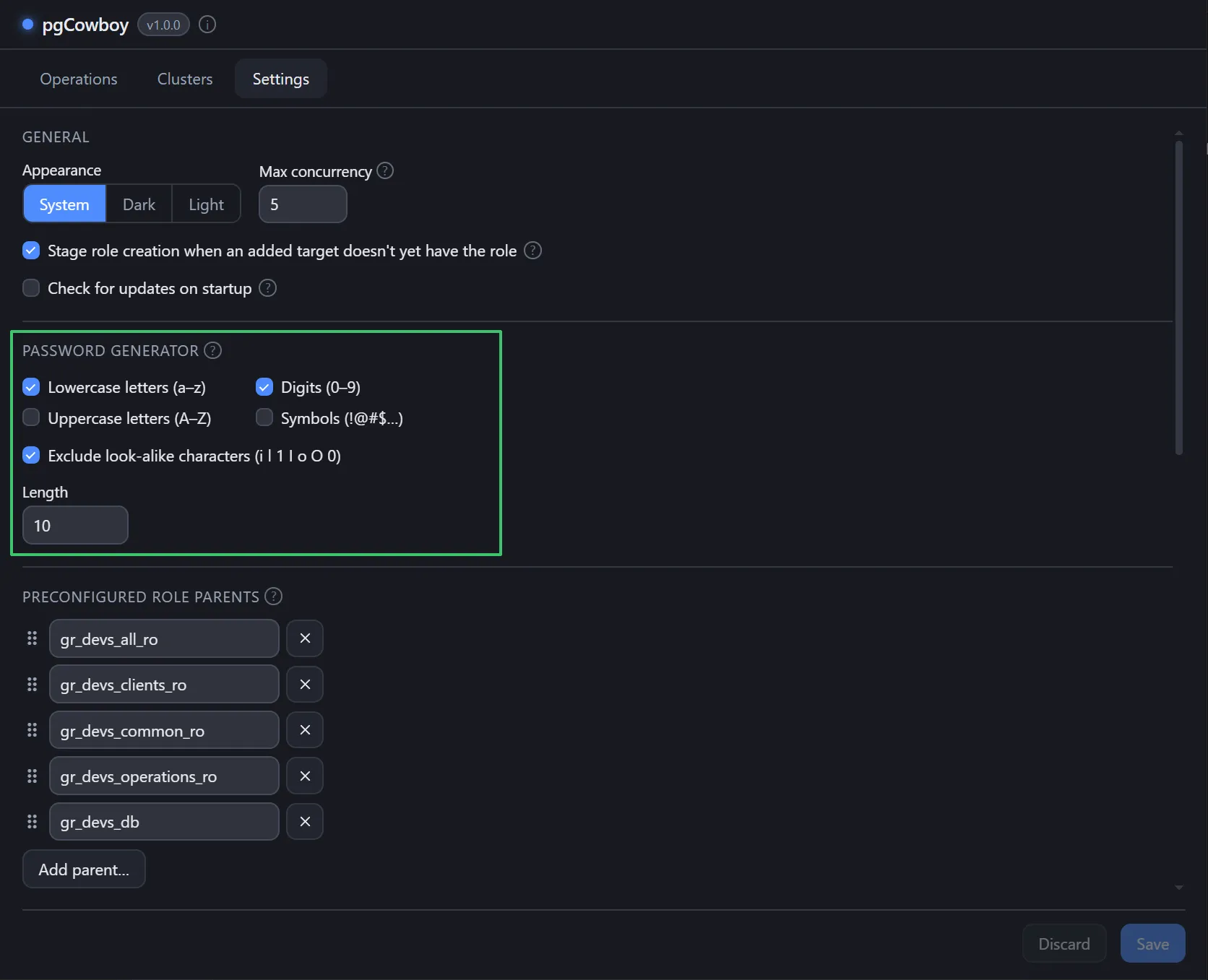
| Option | Notes |
|---|---|
| Lowercase letters (a–z) | On by default. |
| Uppercase letters (A–Z) | |
| Digits (0–9) | |
| Symbols (!@#$…) | |
| Exclude look-alike characters | Drops i l 1 I o O 0, for passwords that get read aloud or retyped. |
| Length | Between 6 and 128. |
Passwords are generated with the platform’s cryptographic random source. See Setting a password for the field itself.